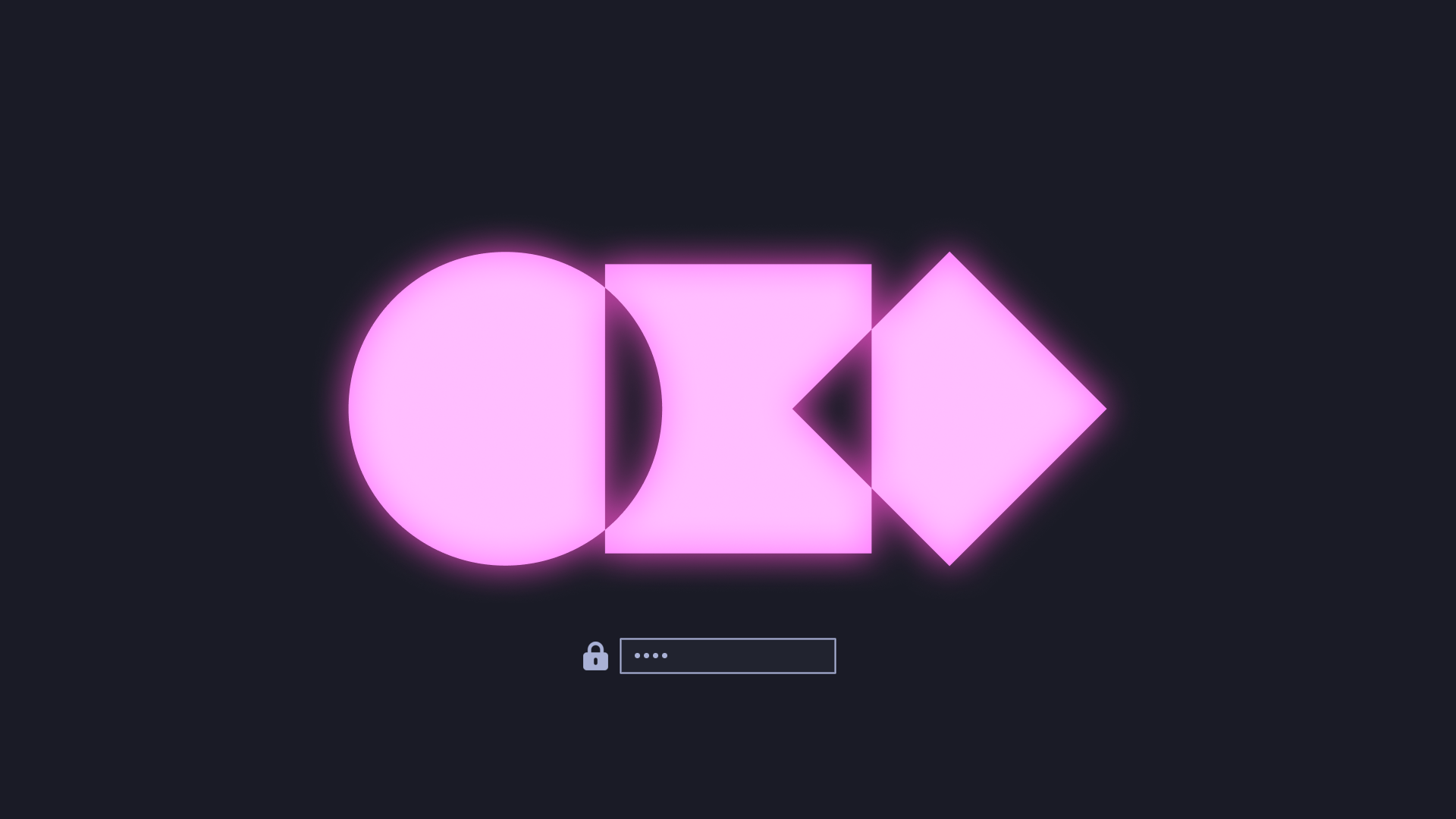
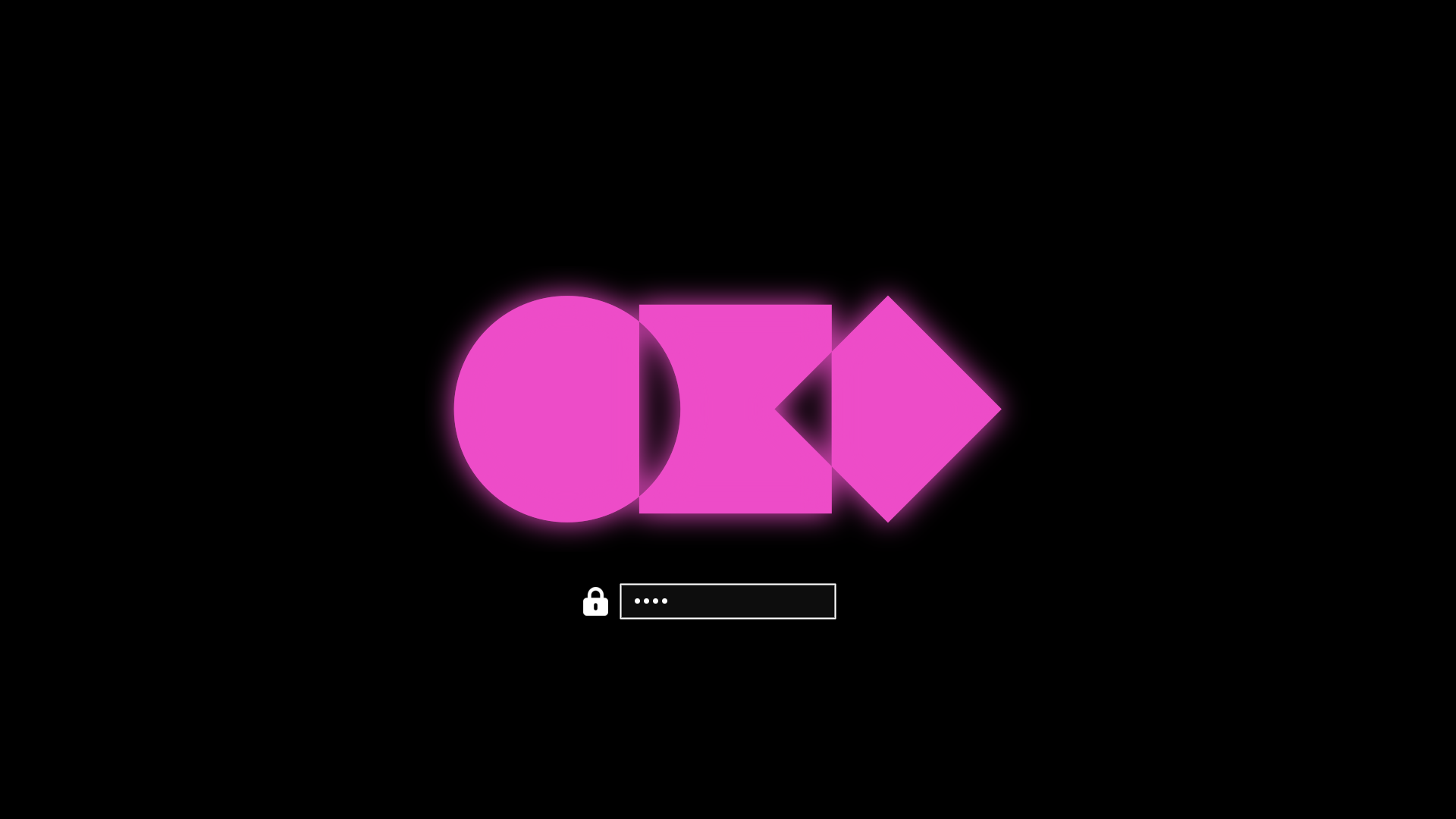
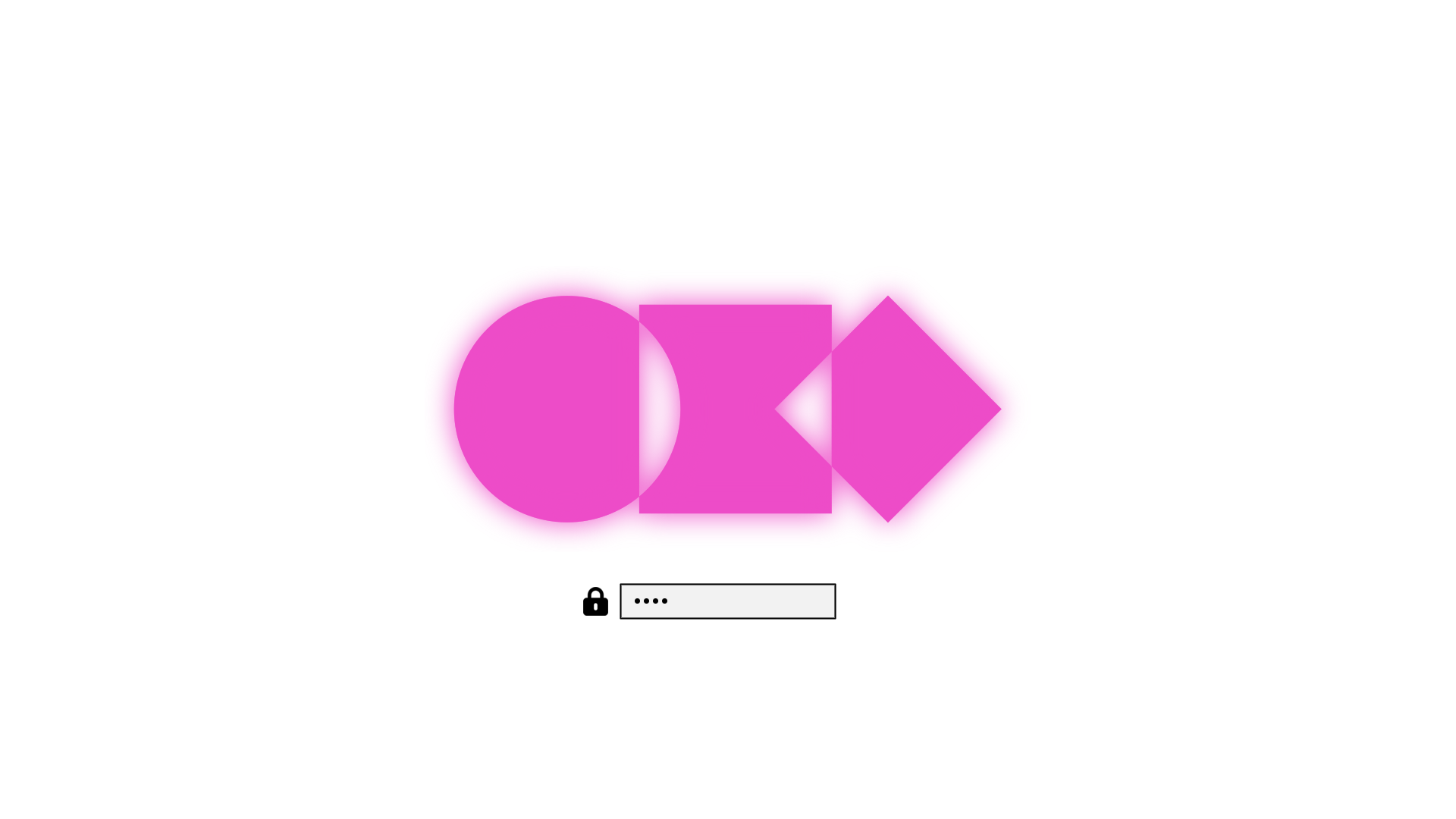
Themes
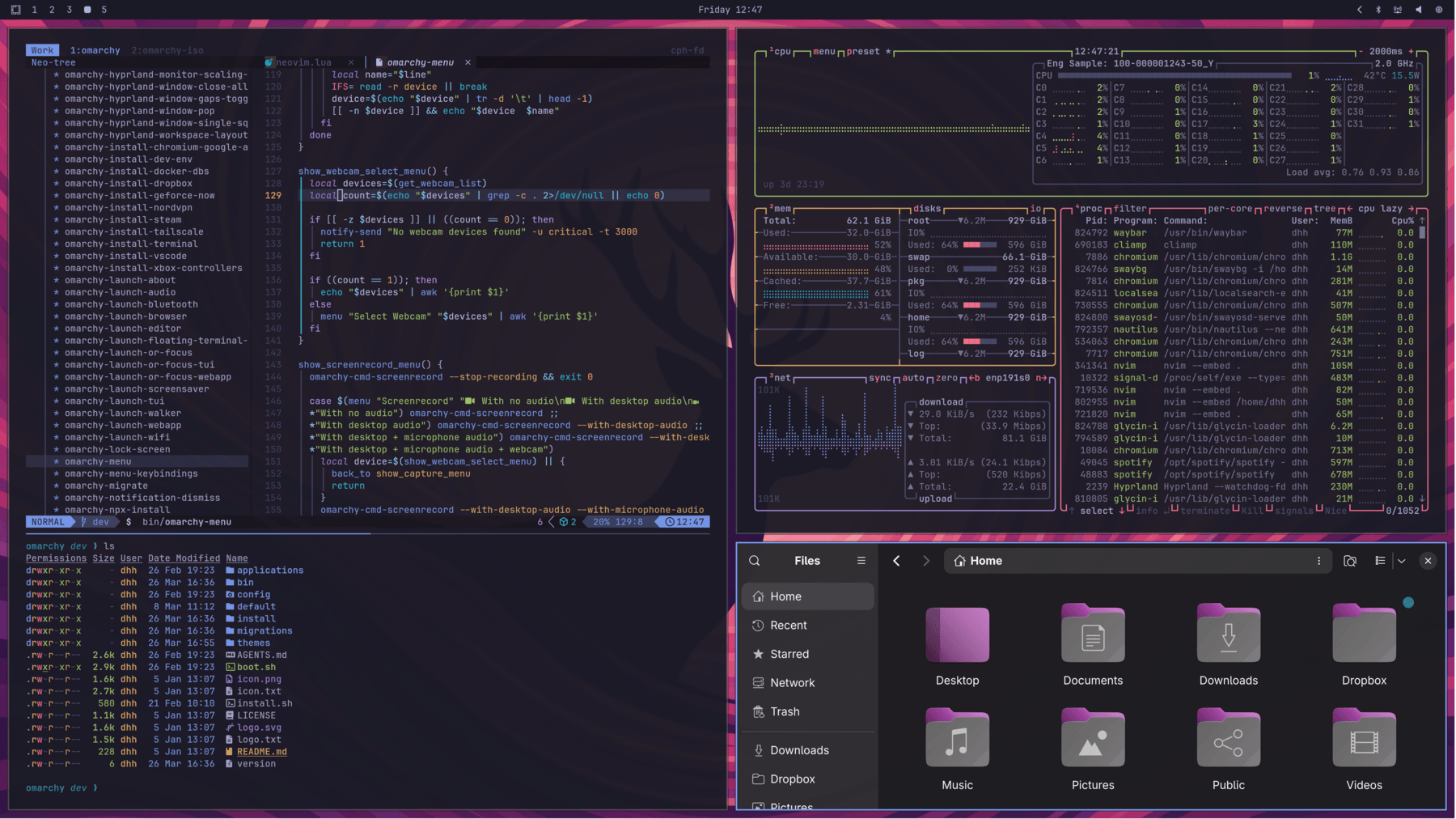
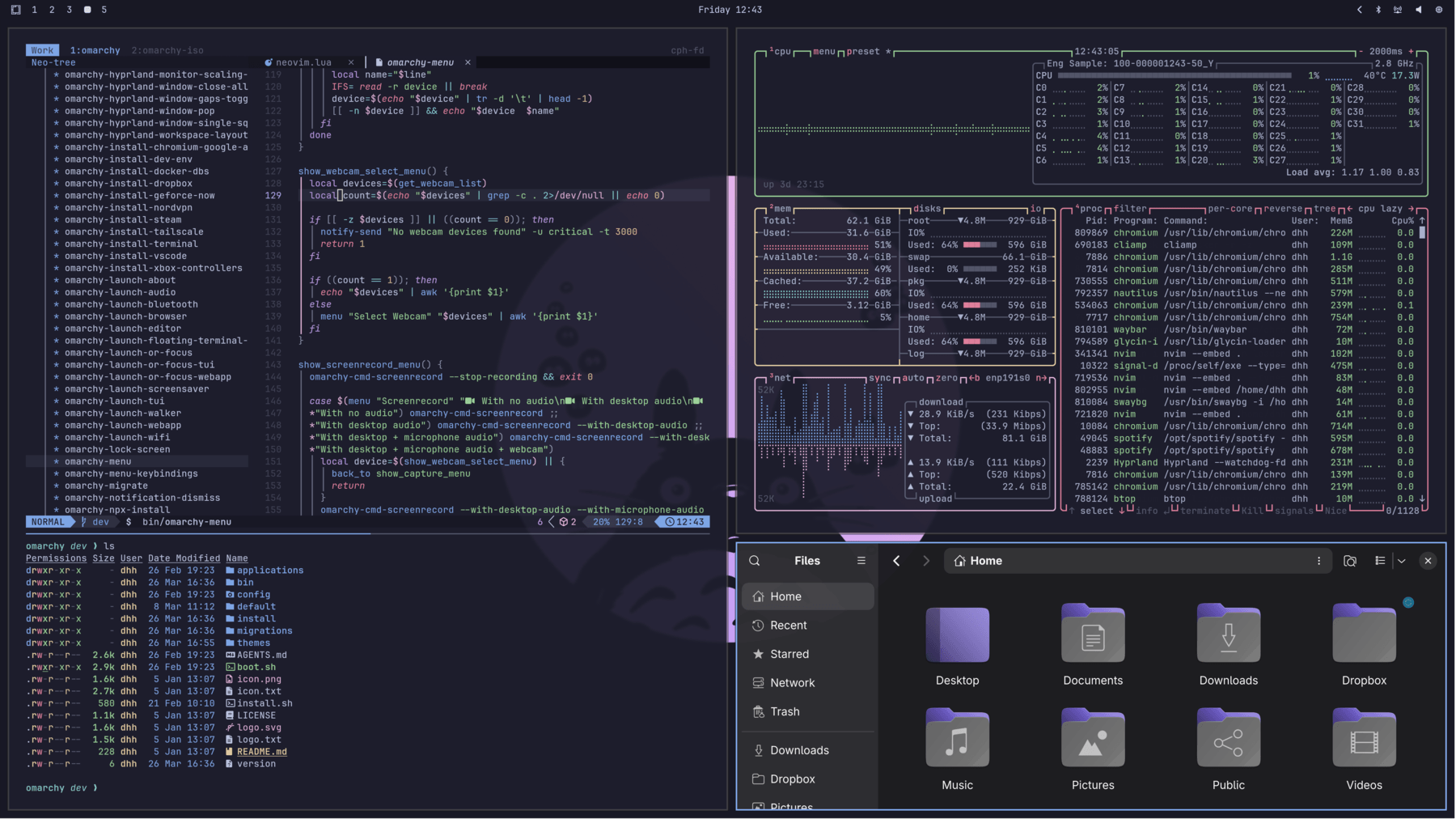
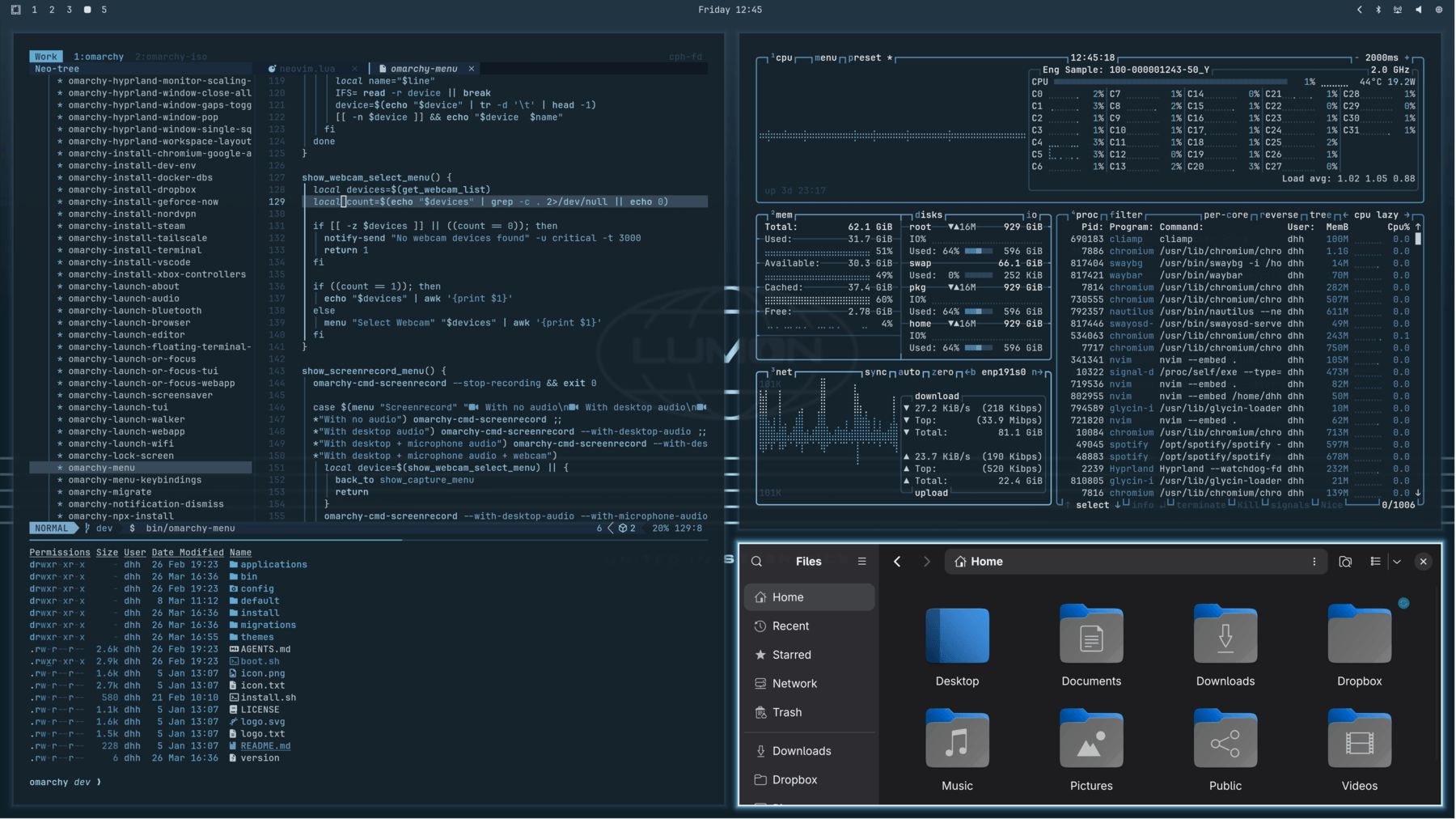
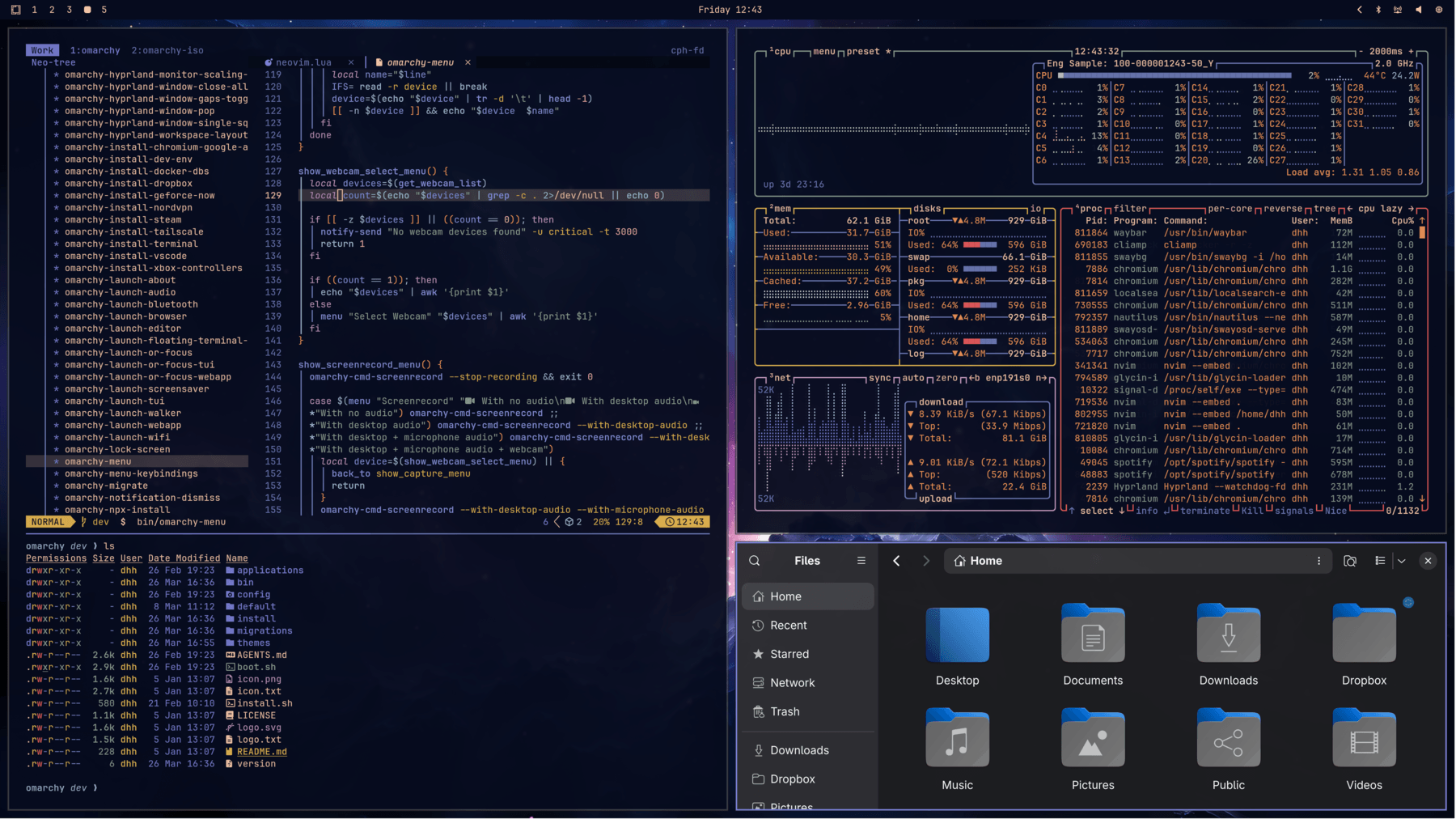
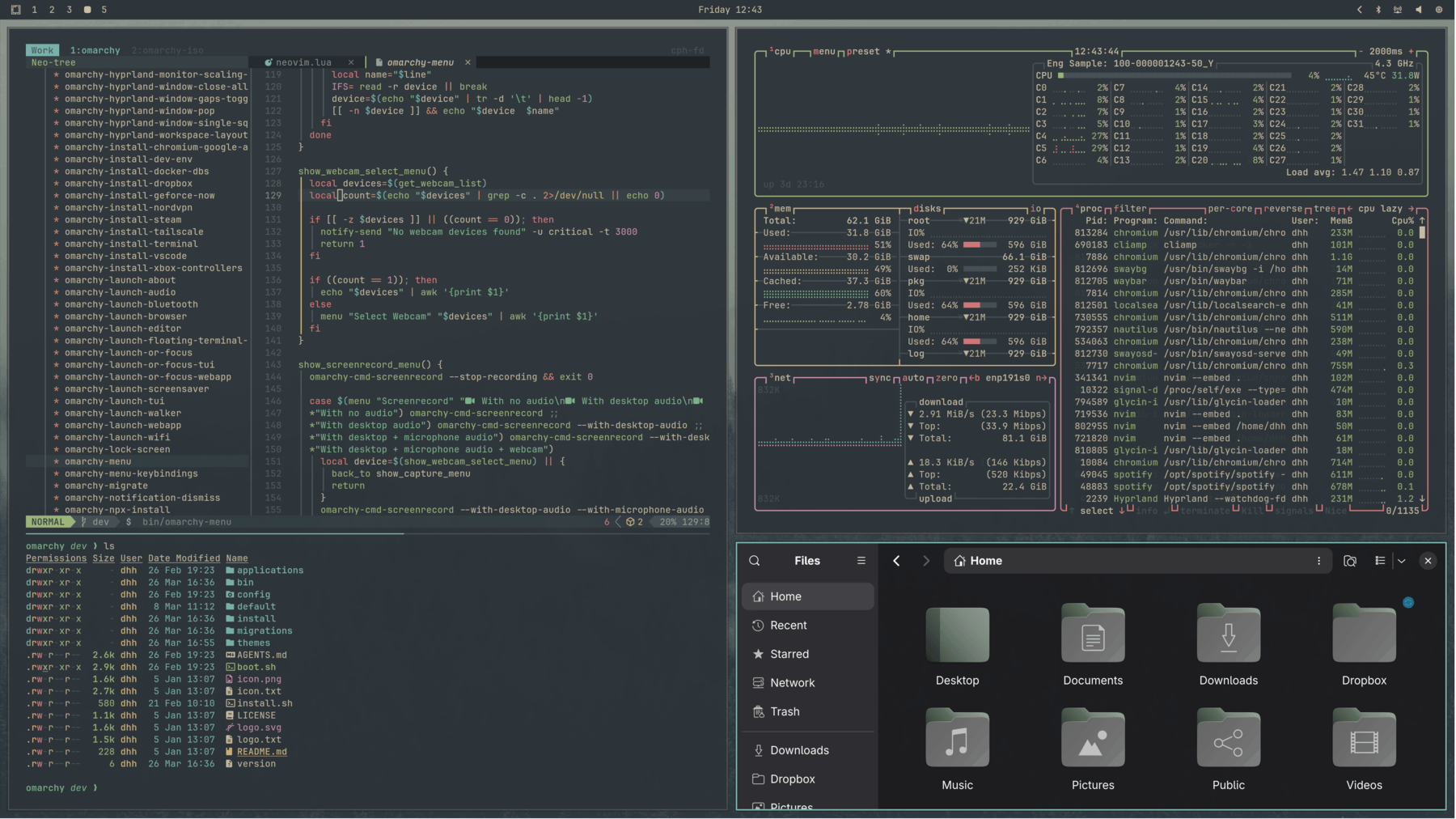
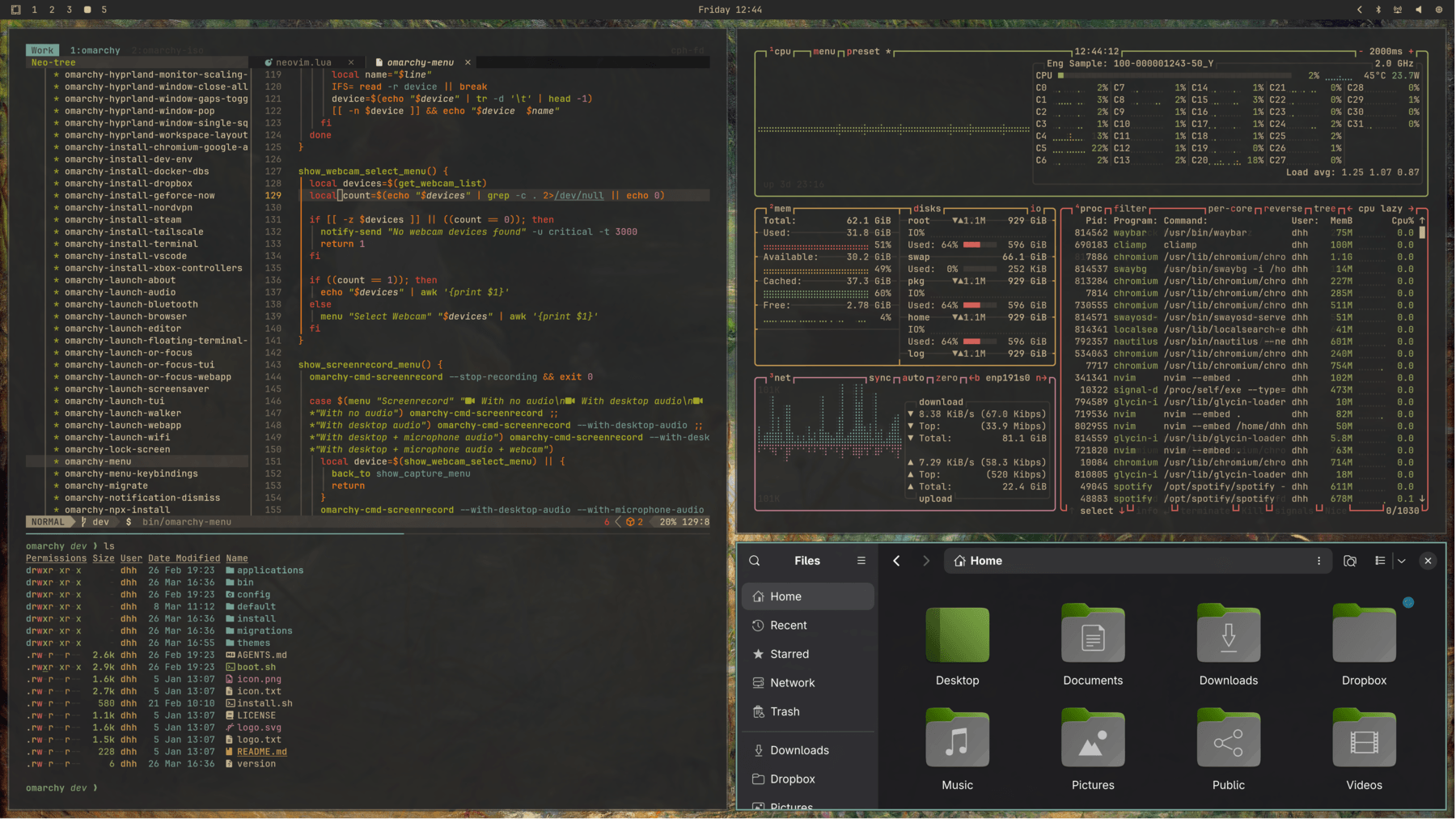
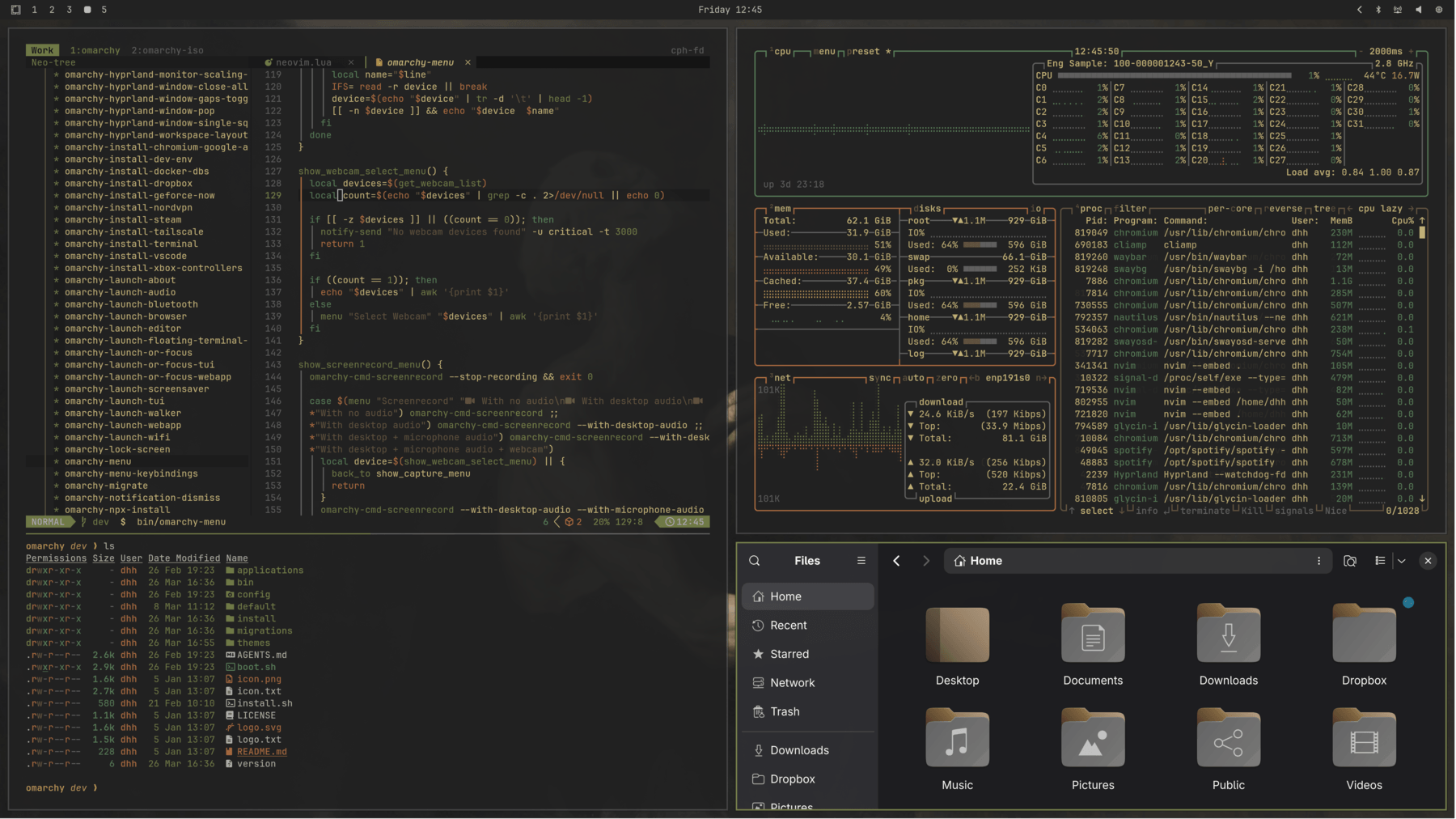
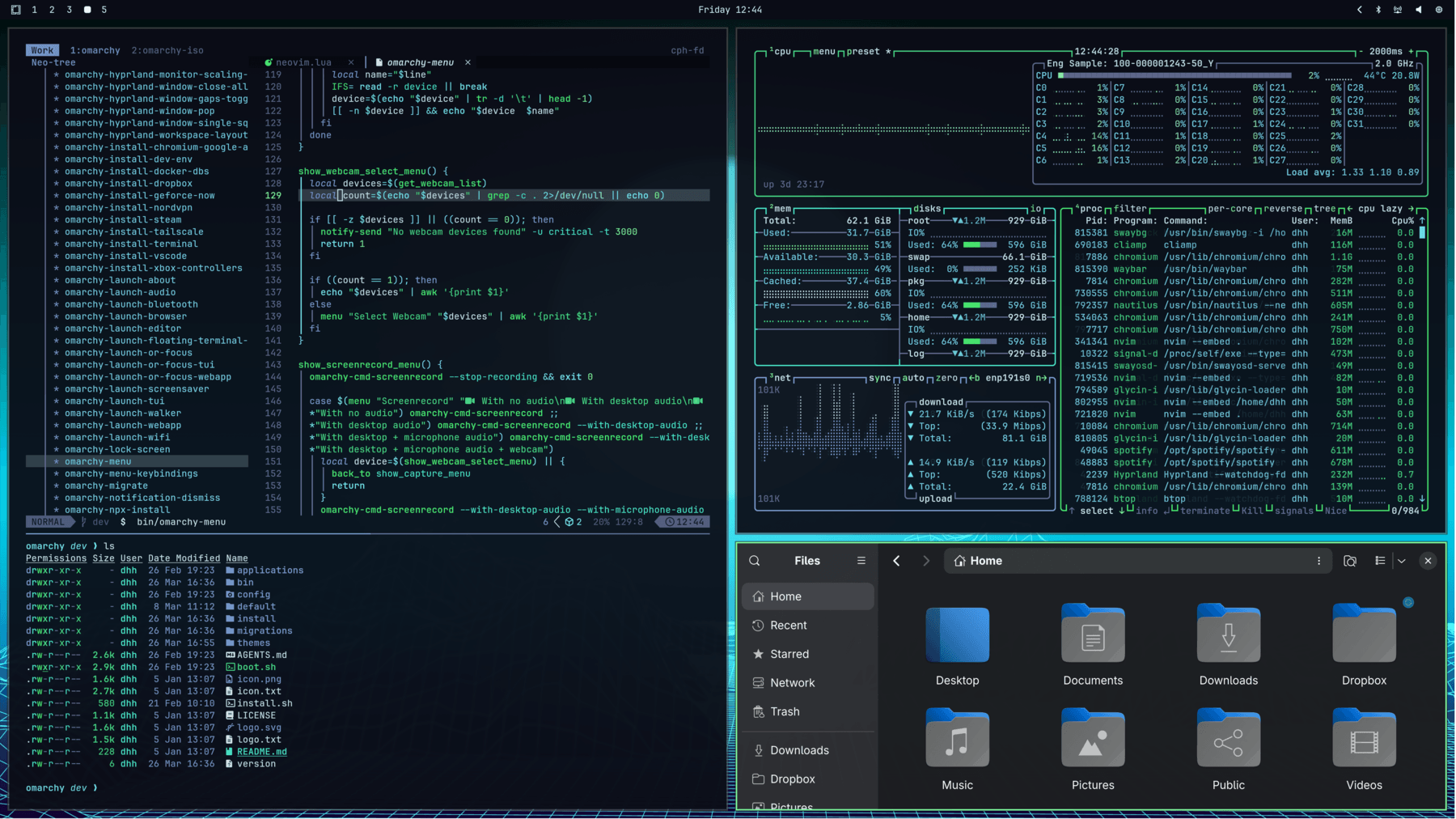
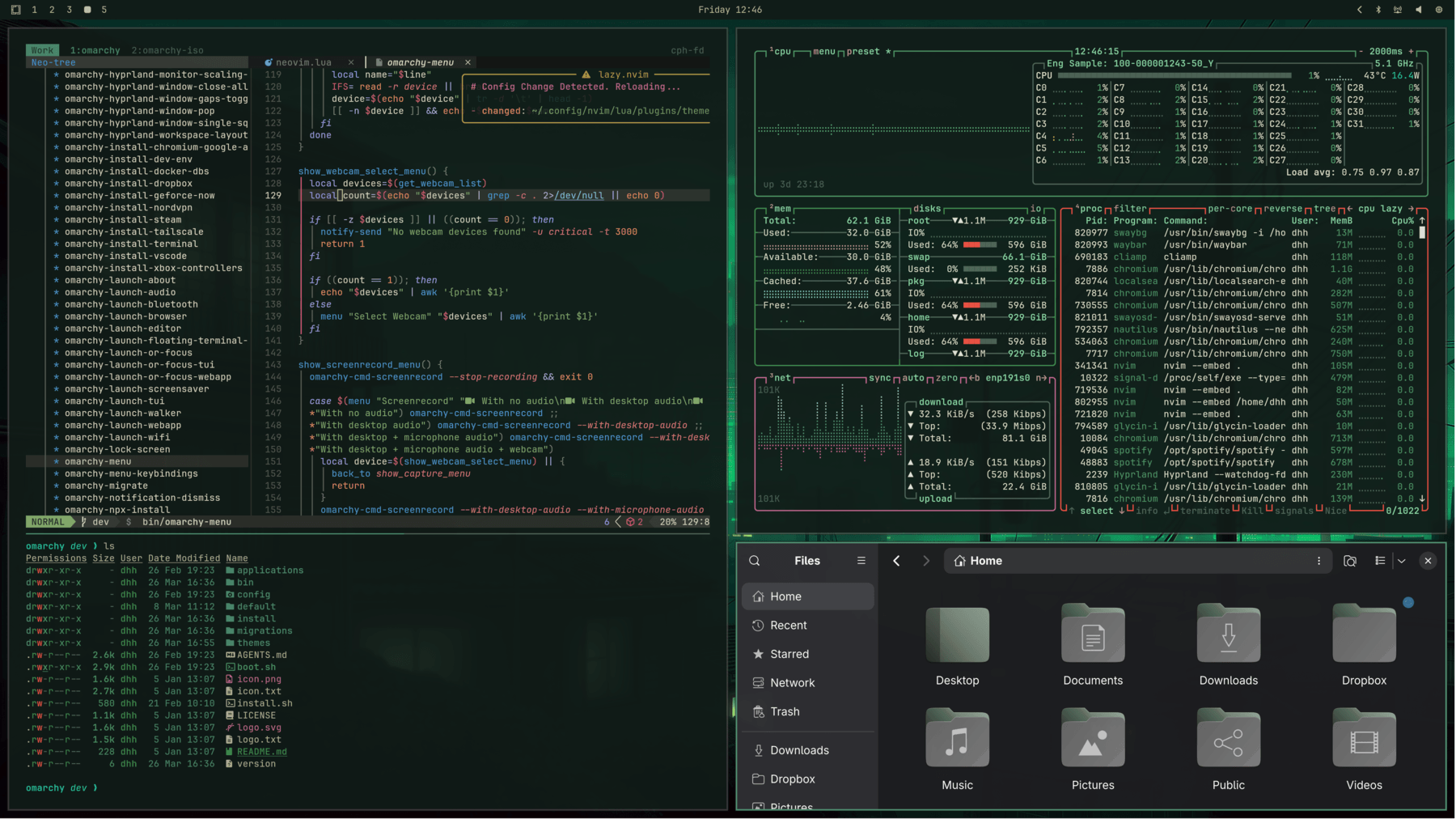
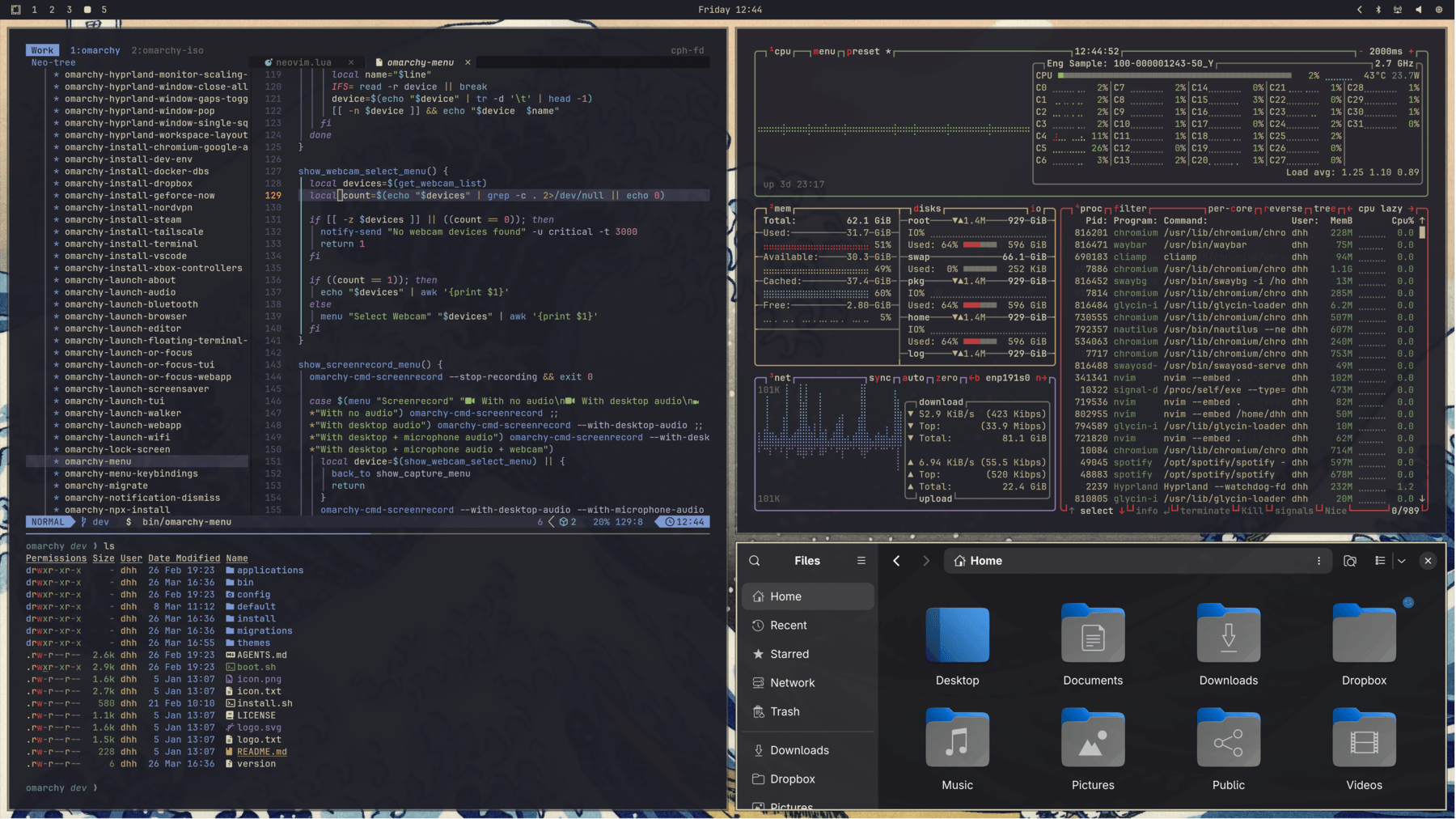
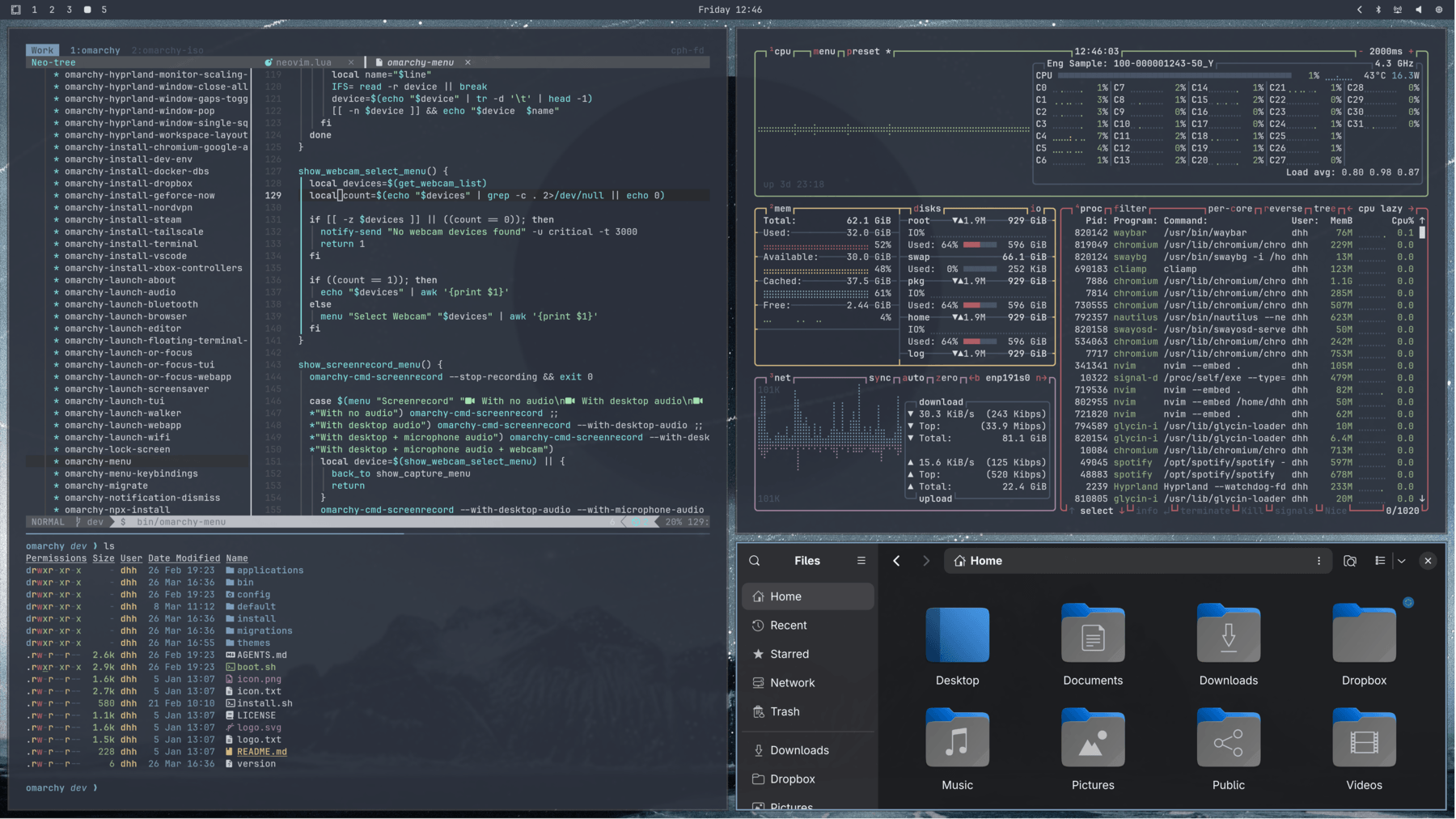
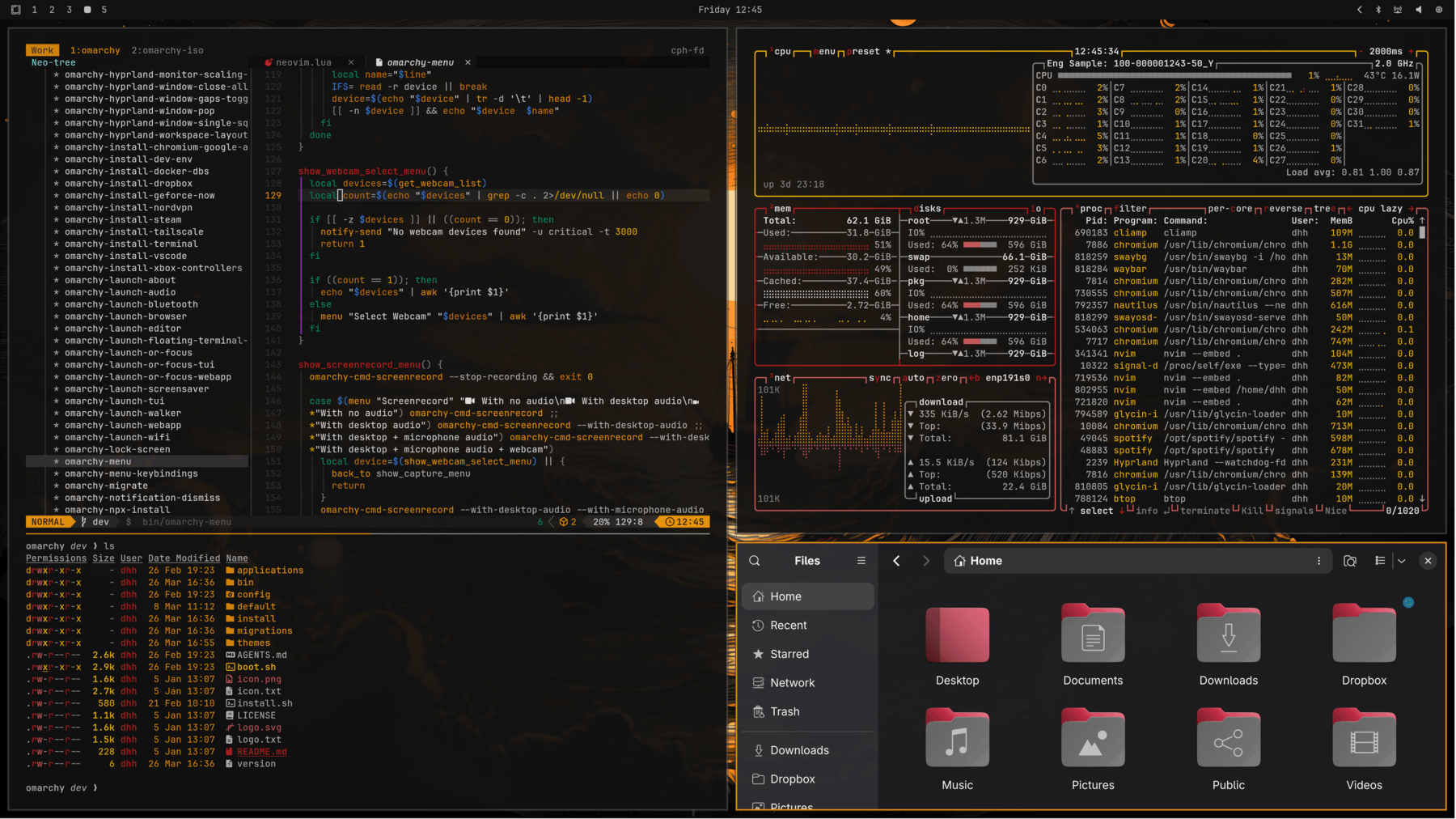
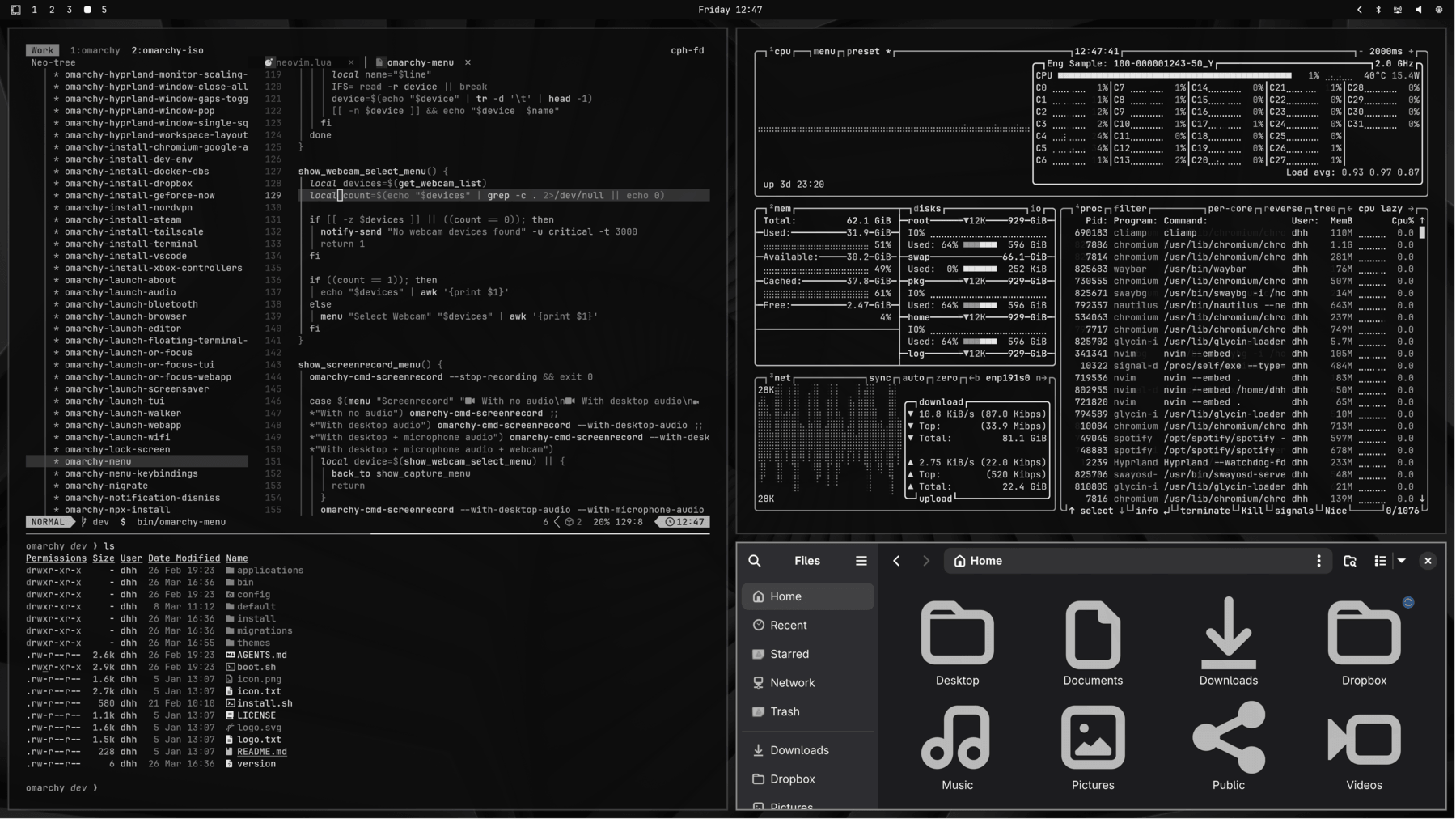
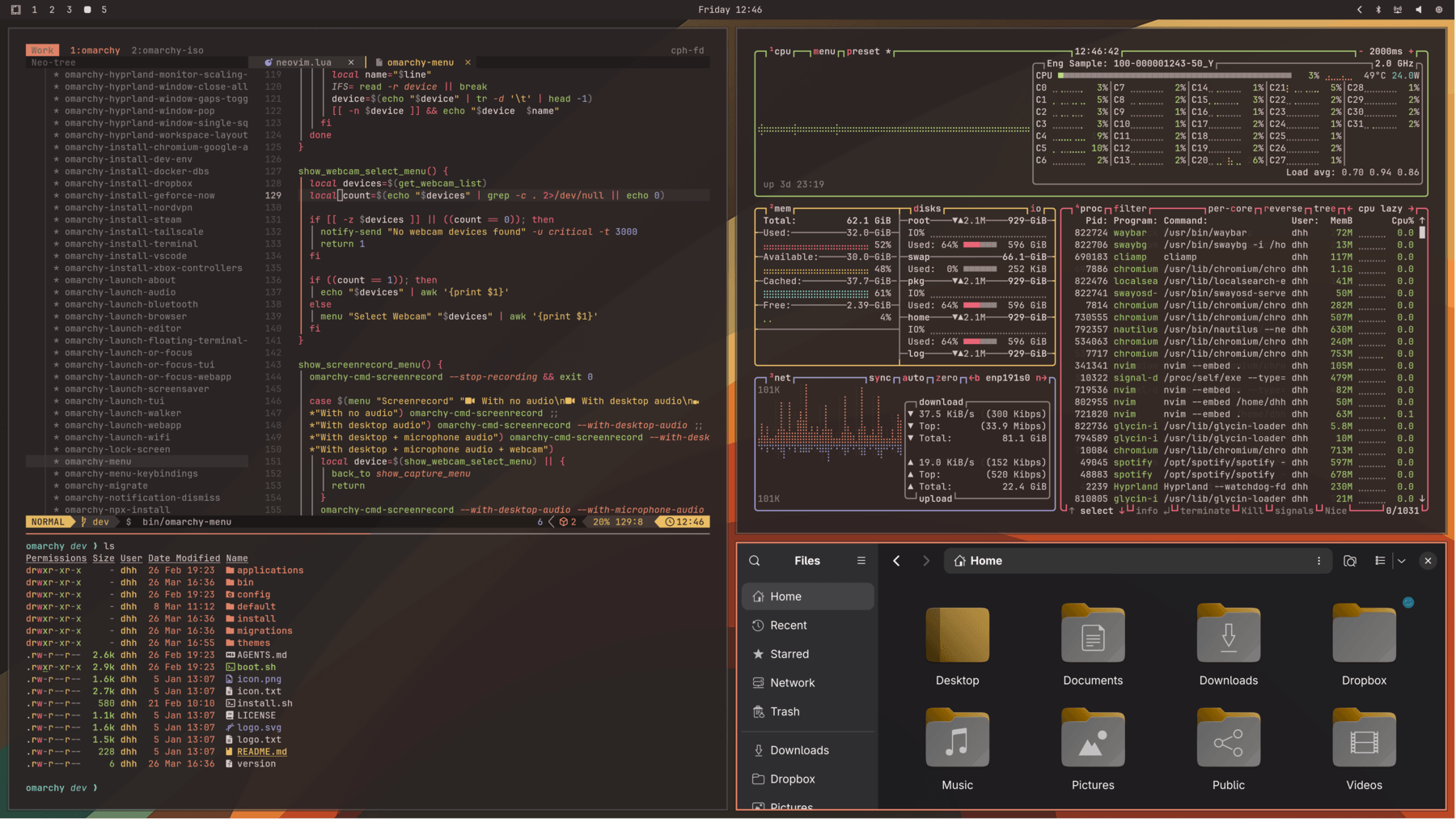
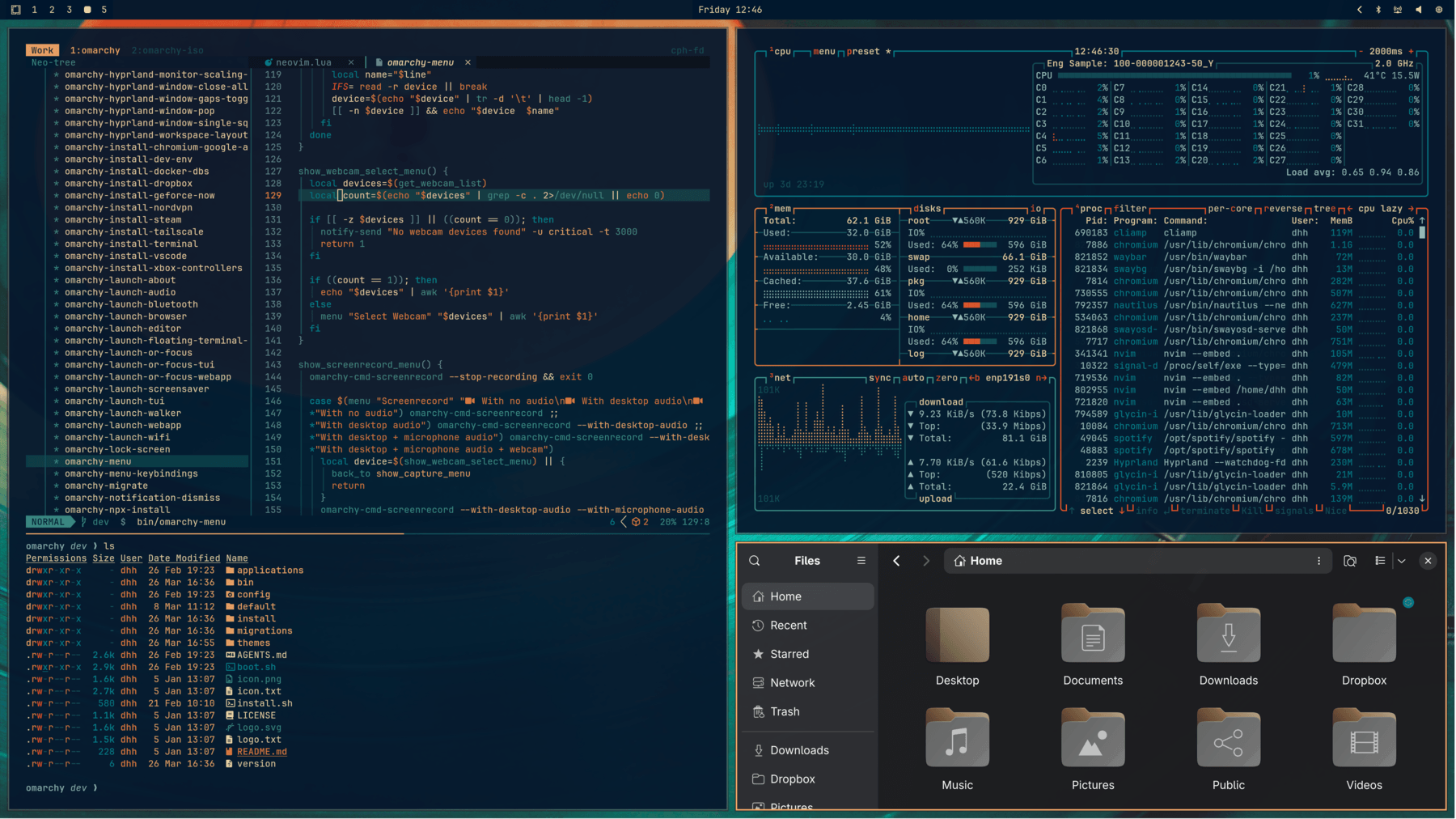
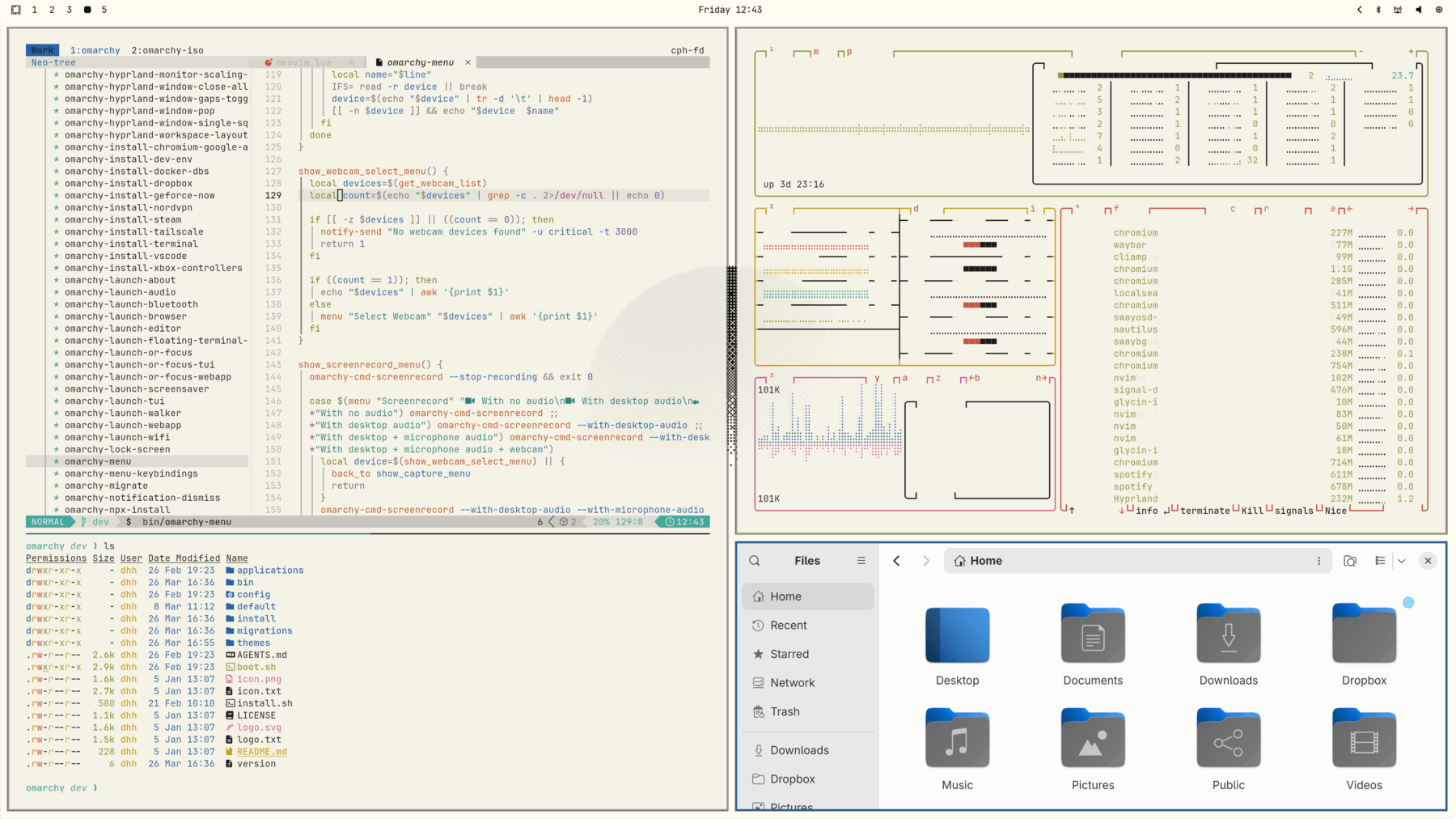
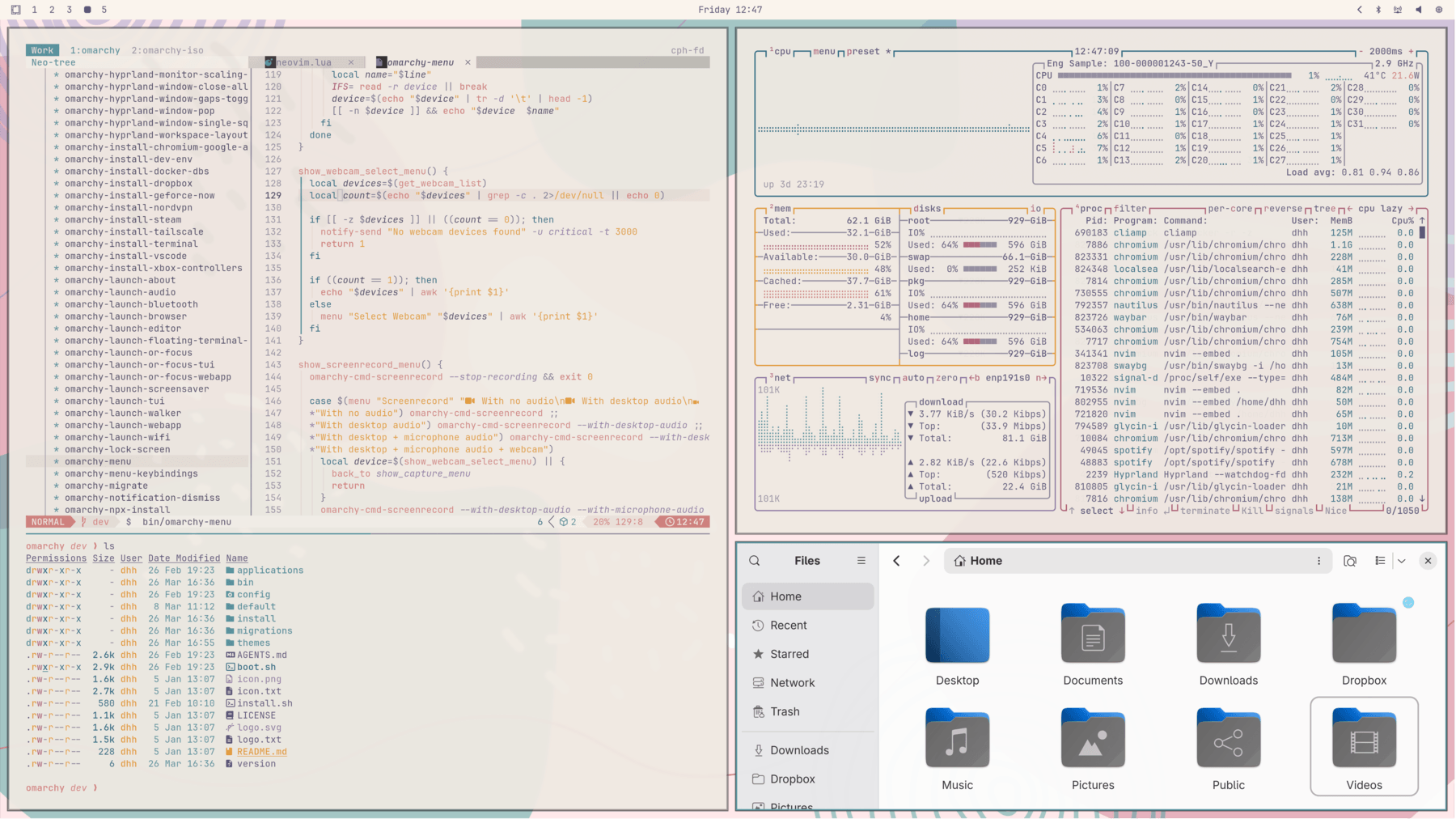
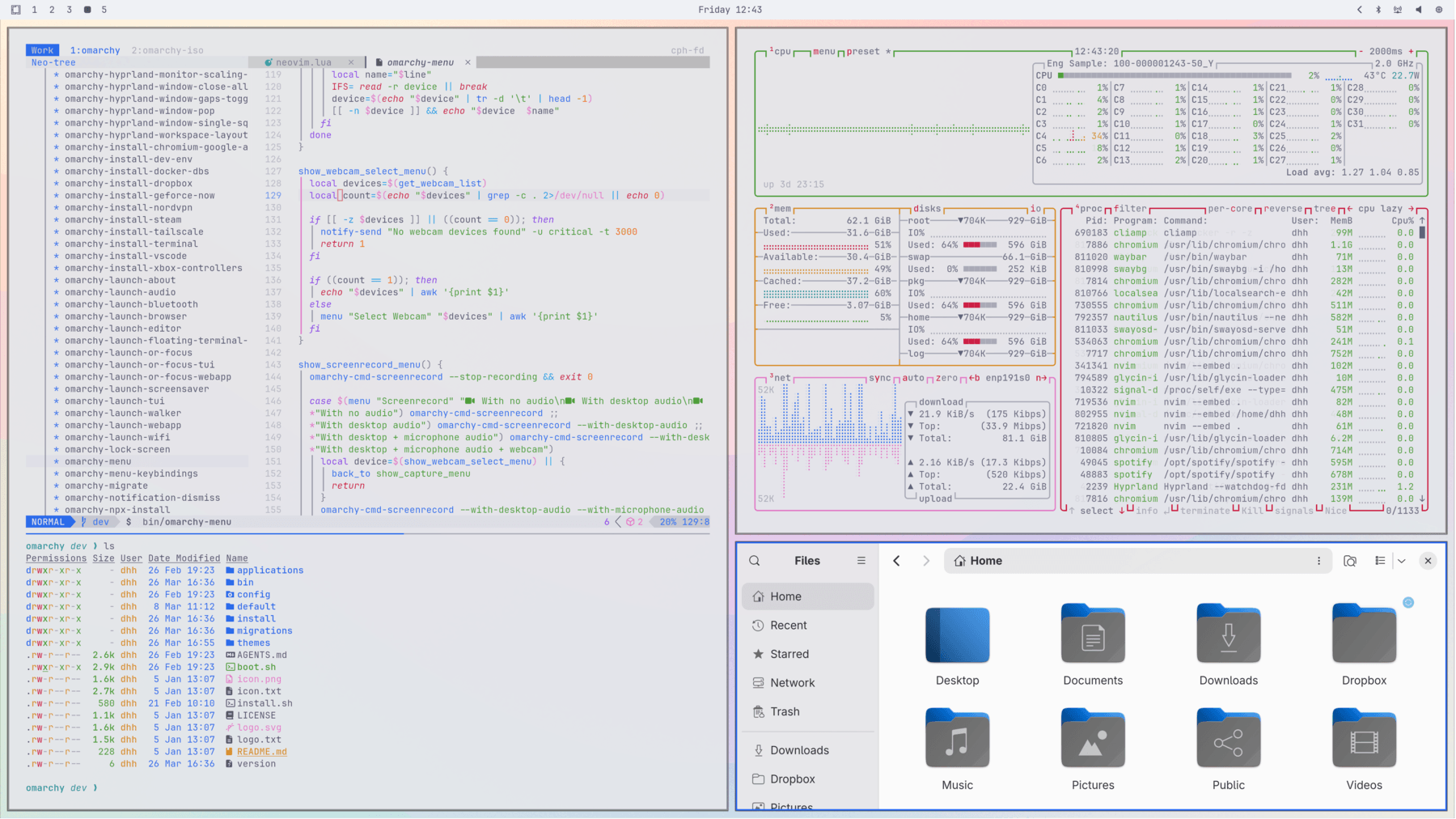
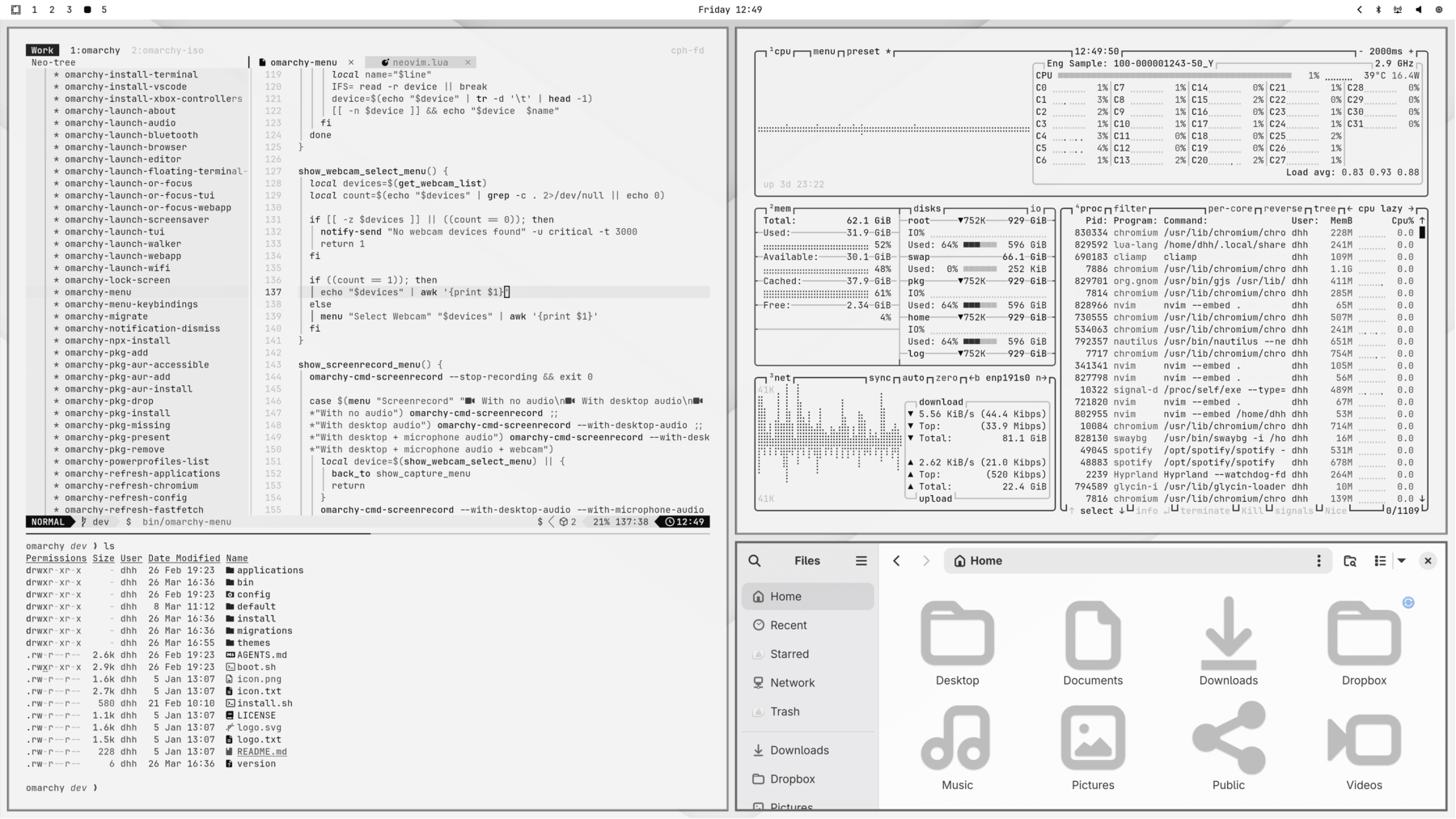
Omarchy comes with twenty-two beautiful themes. You can select between them via in the Omarchy Menu (Super + Space) or hop directly to the theme selector using Super + Ctrl + Shift + Space.
Each theme styles the desktop, terminal, neovim, activity screen (btop), Chromium, and the entire Omarchy shell: top bar, menu, notifications, OSD, and the lock screen. (For Obsidian, you must manually select the Omarchy theme via inside the app).
Themes have a set of background images that you can pick between using Super + Ctrl + Space.
You can find even more themes on the extra themes page or even make your own theme.
Unlocks
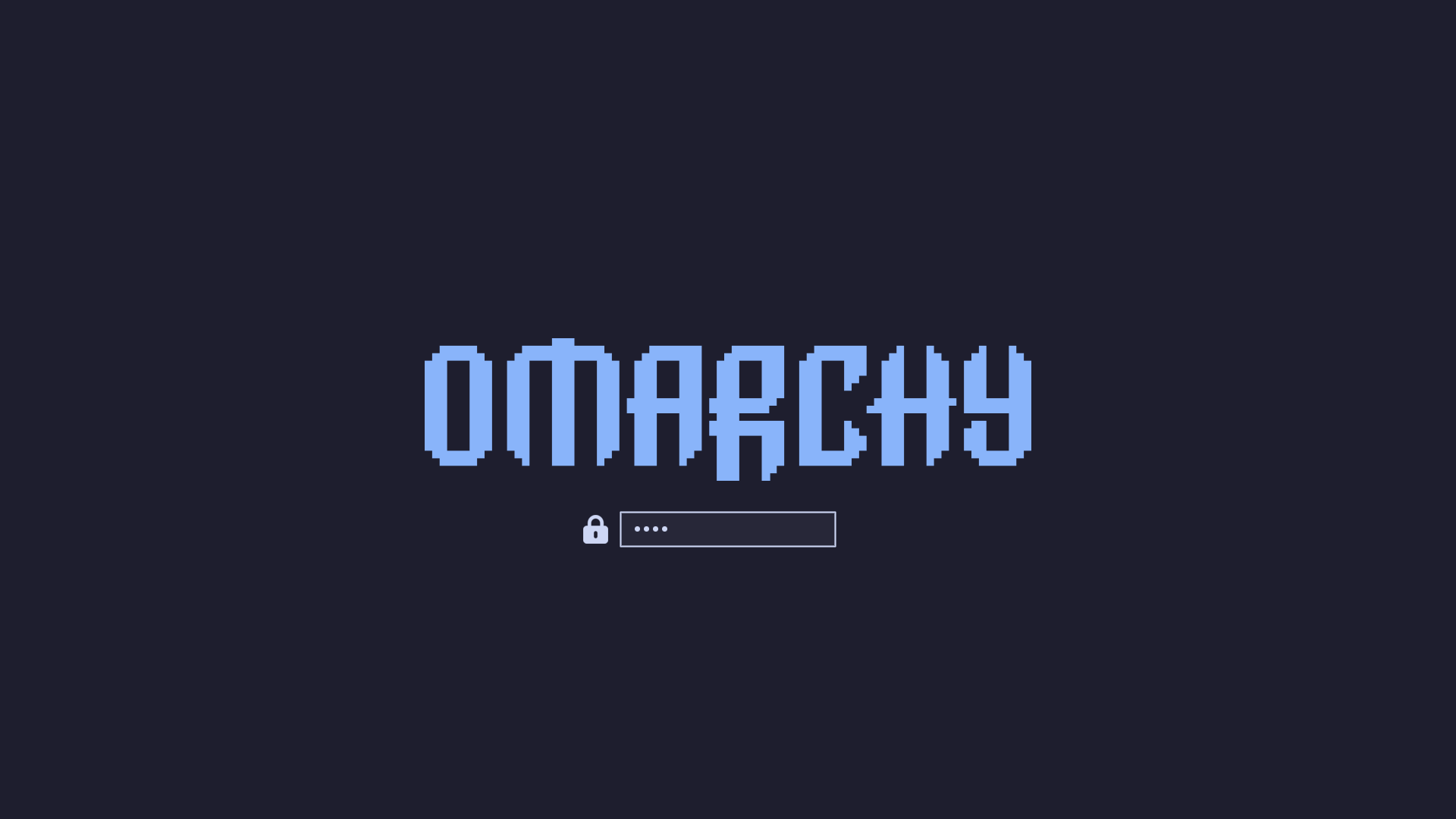
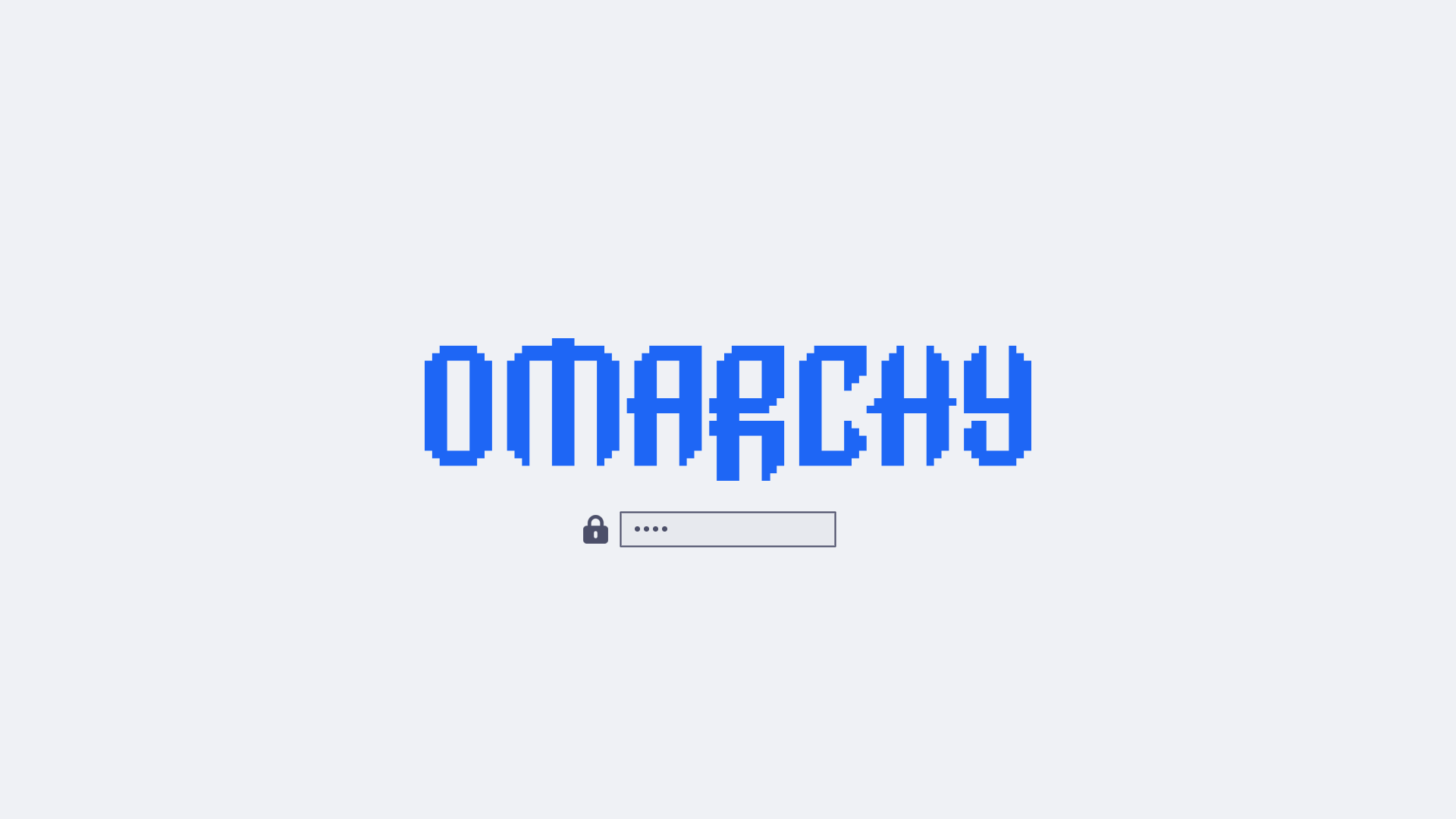
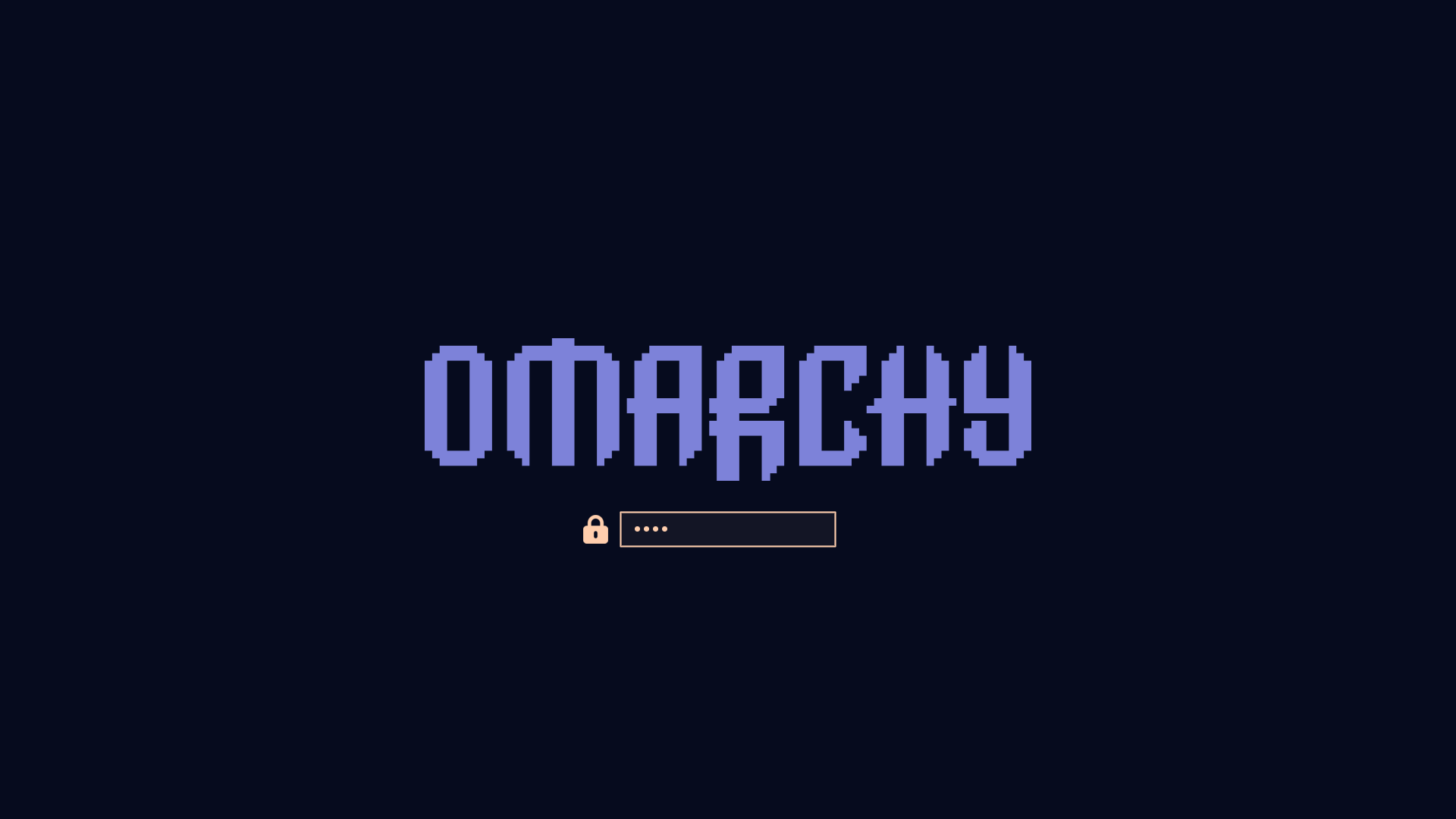
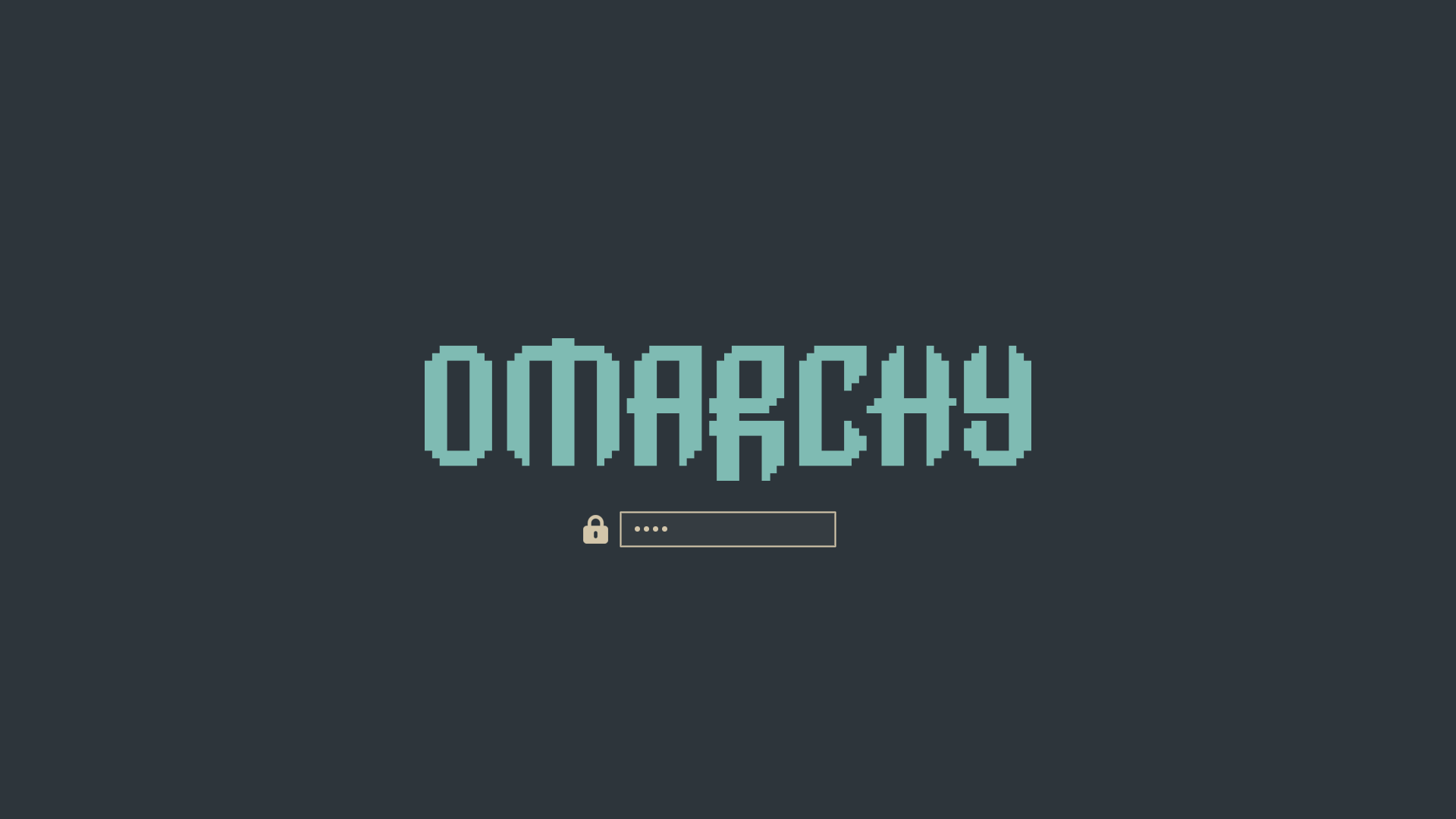
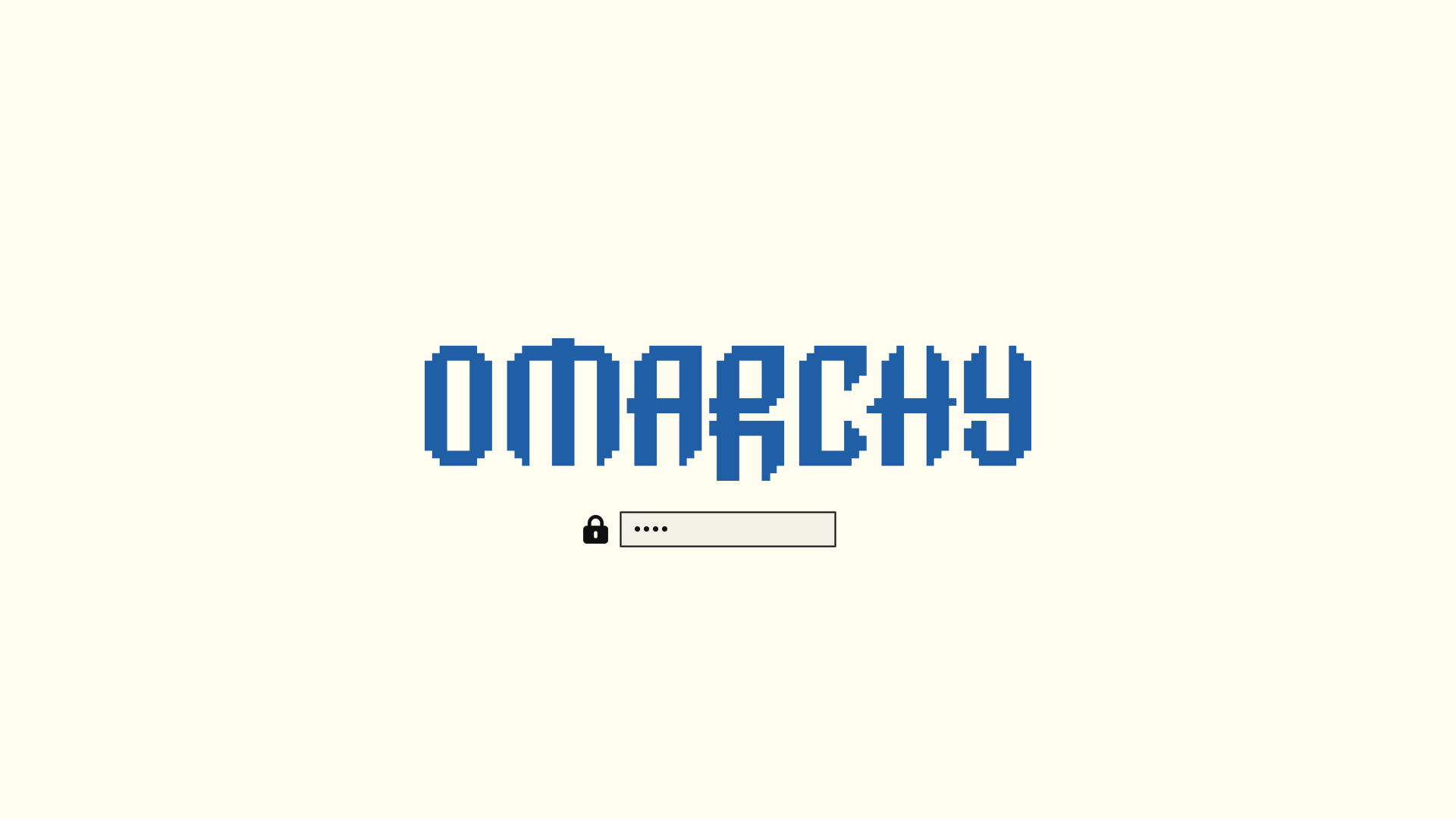
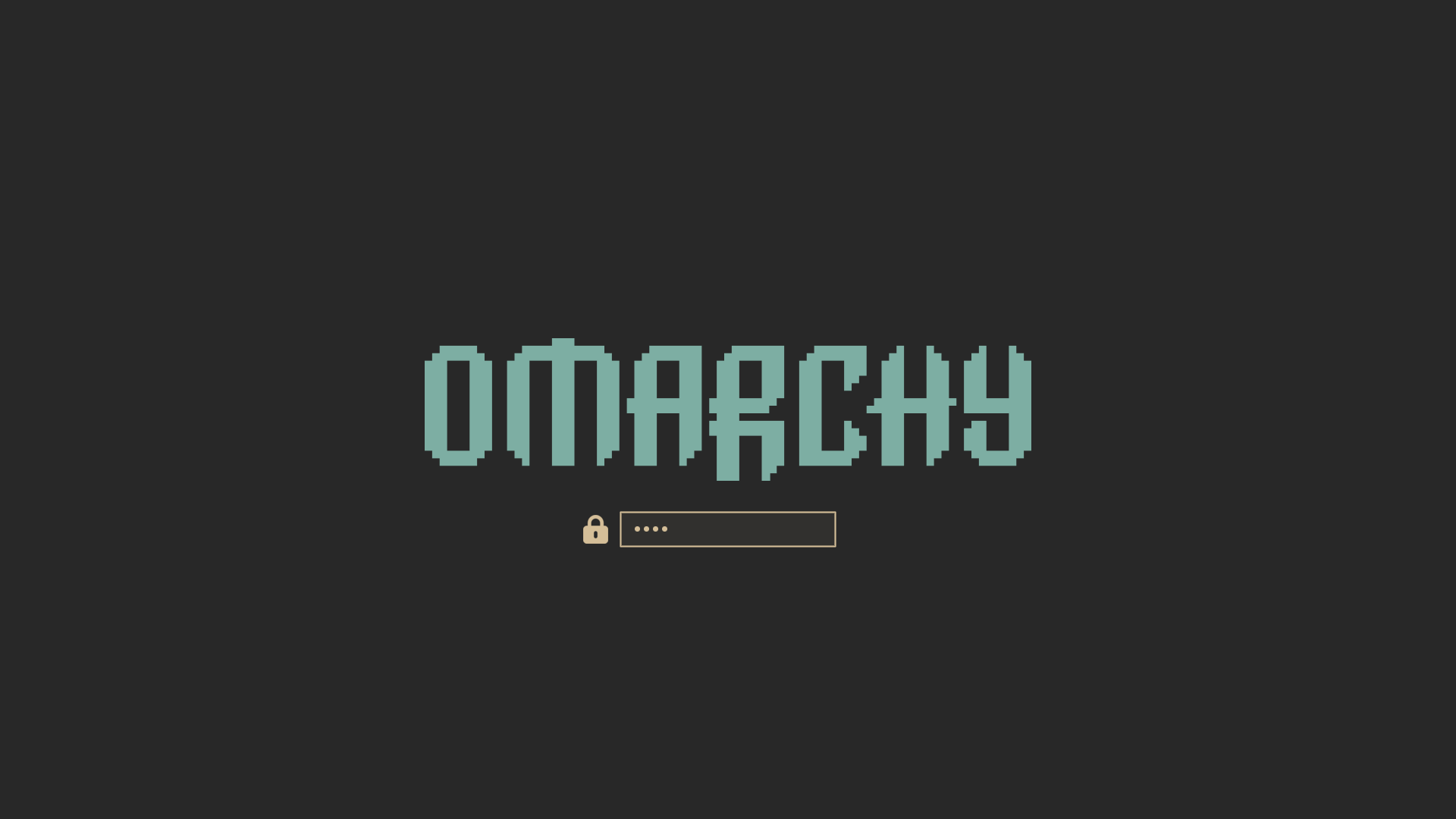
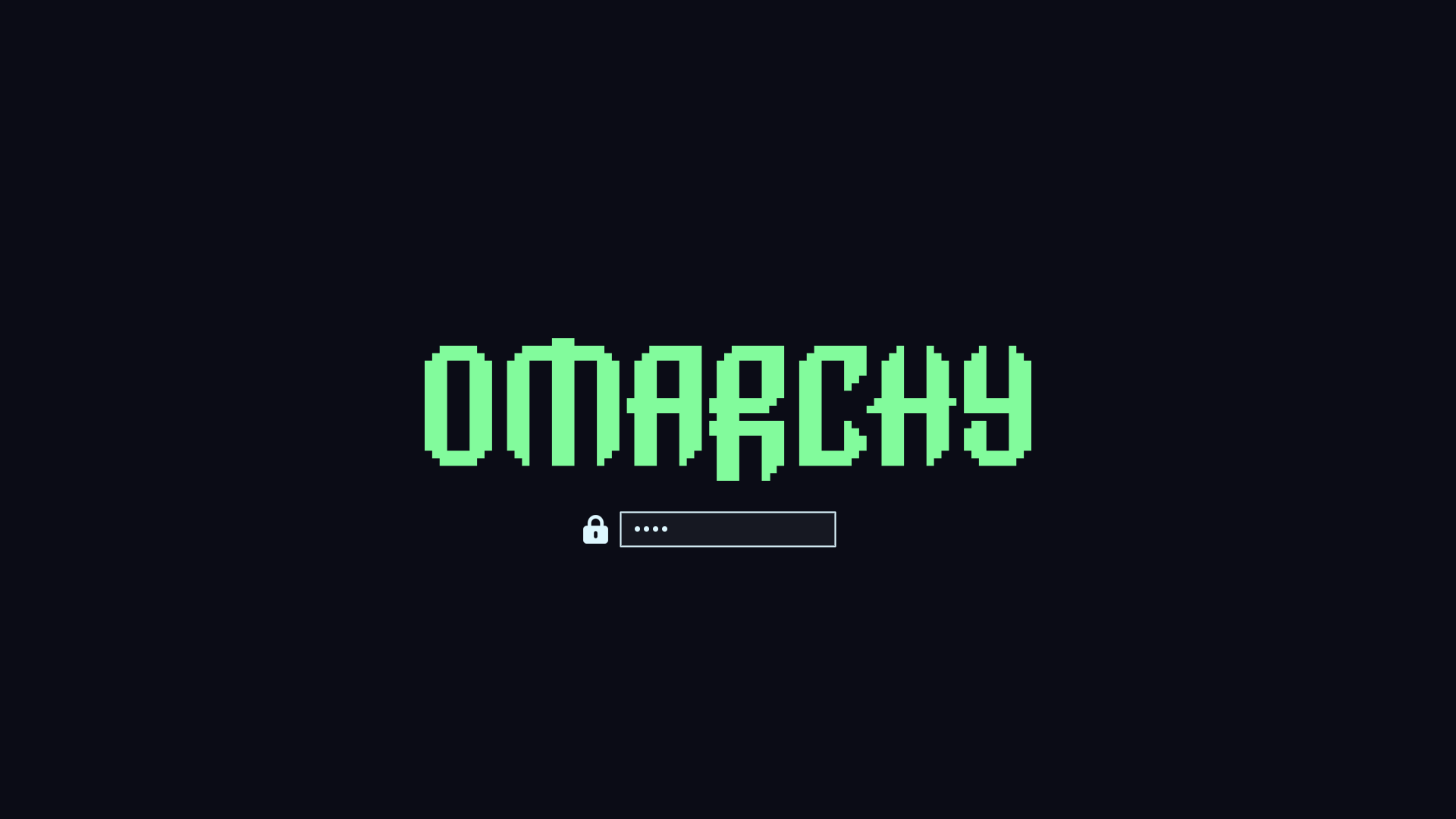
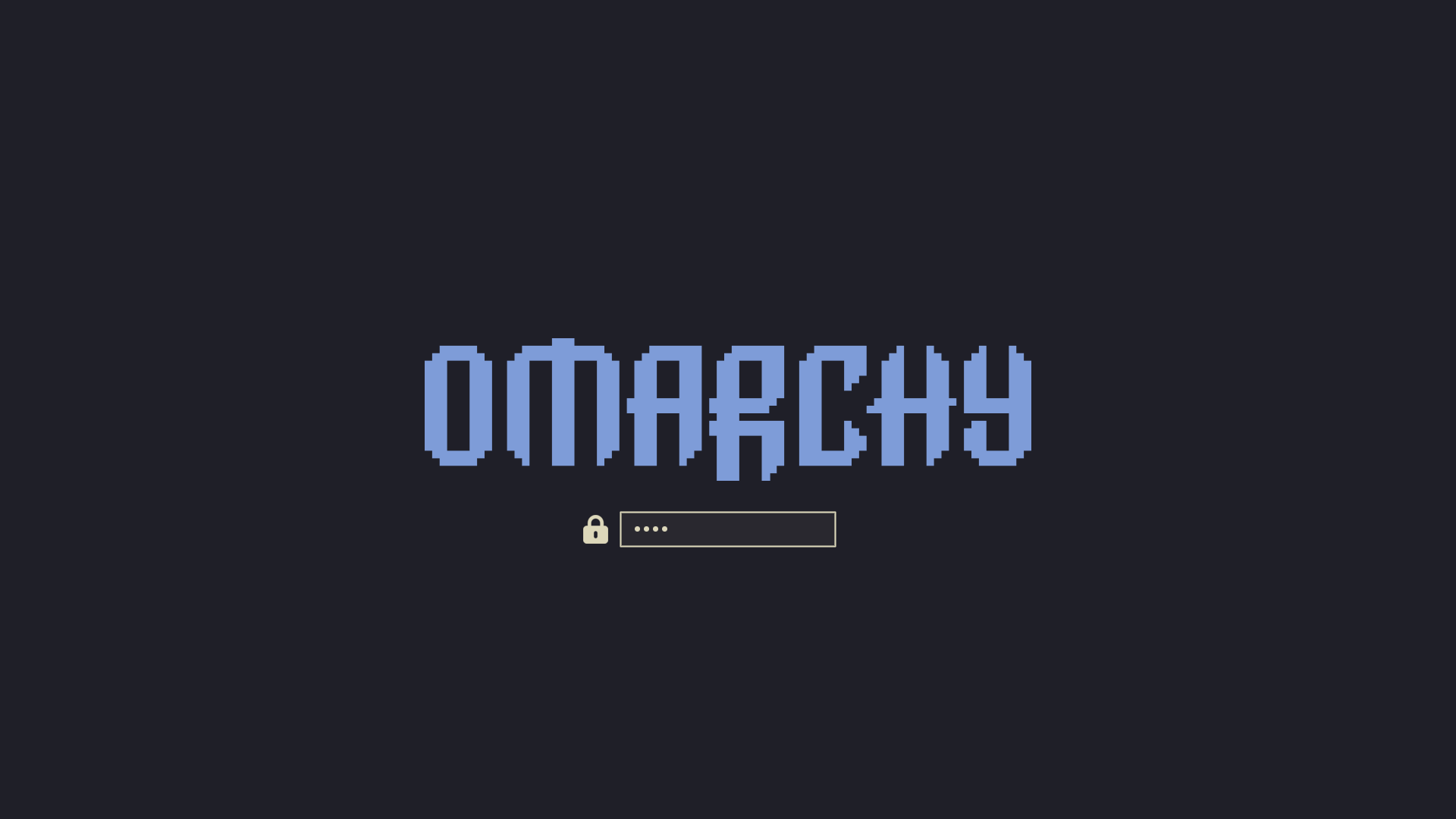
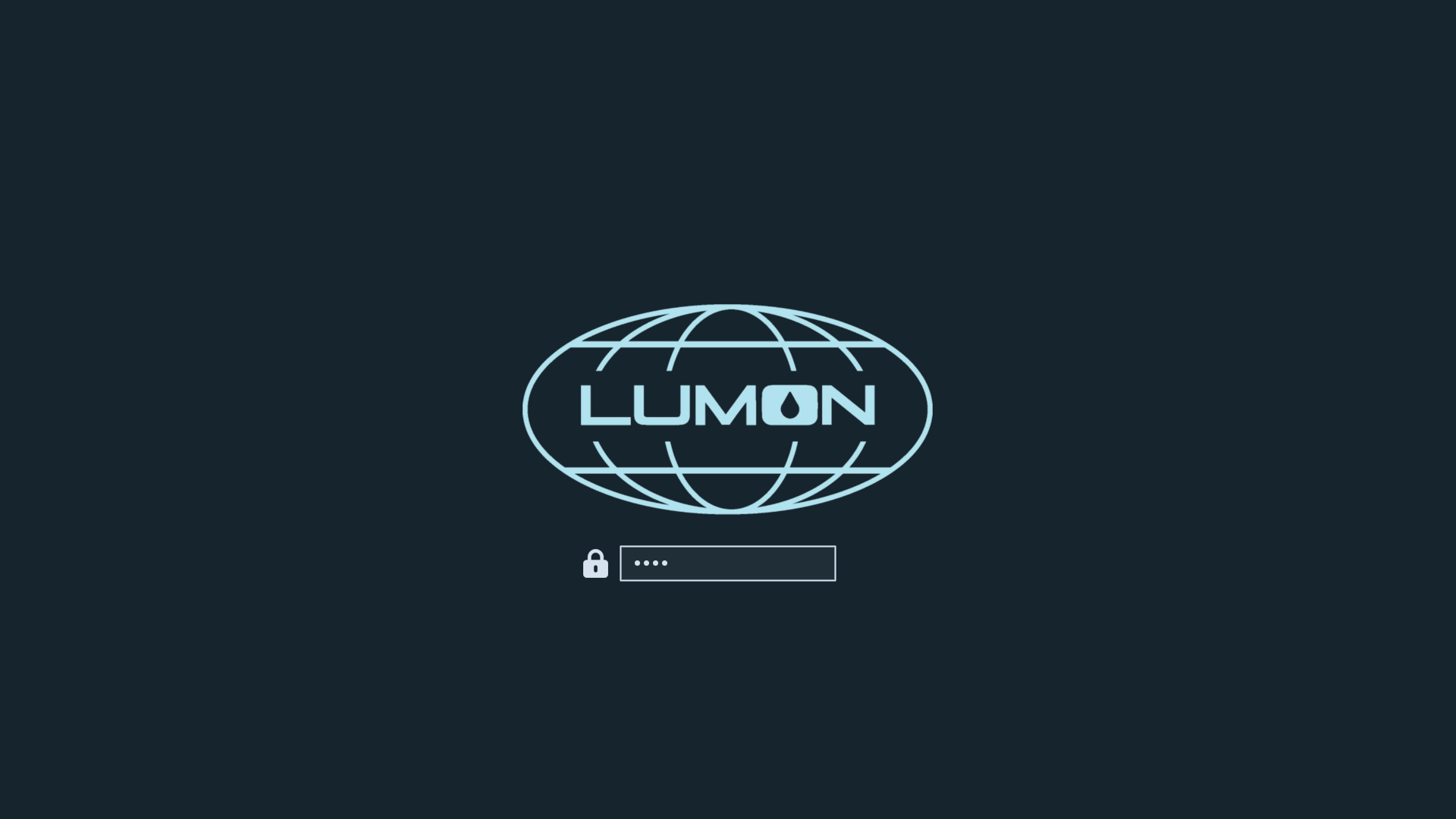
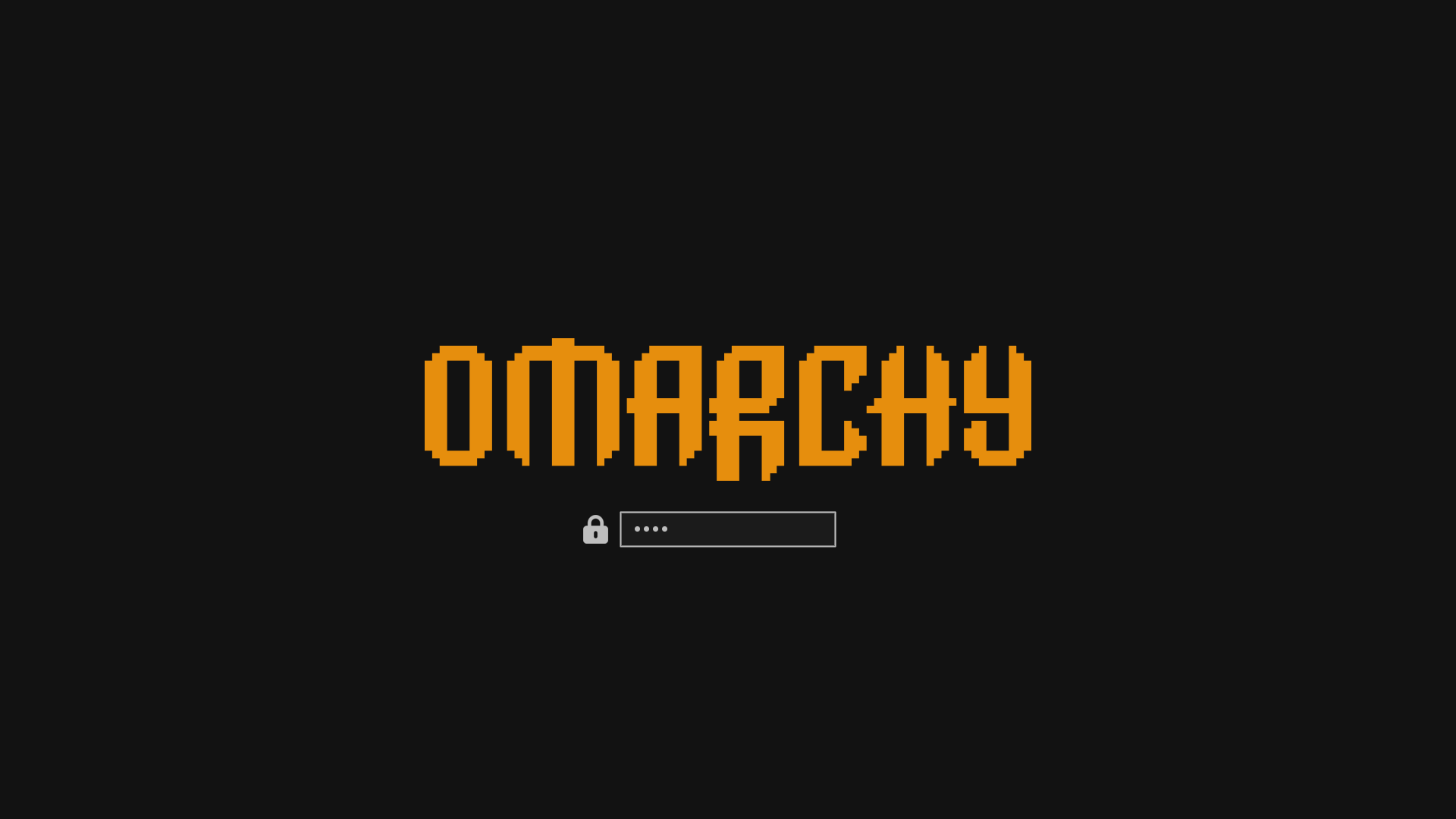
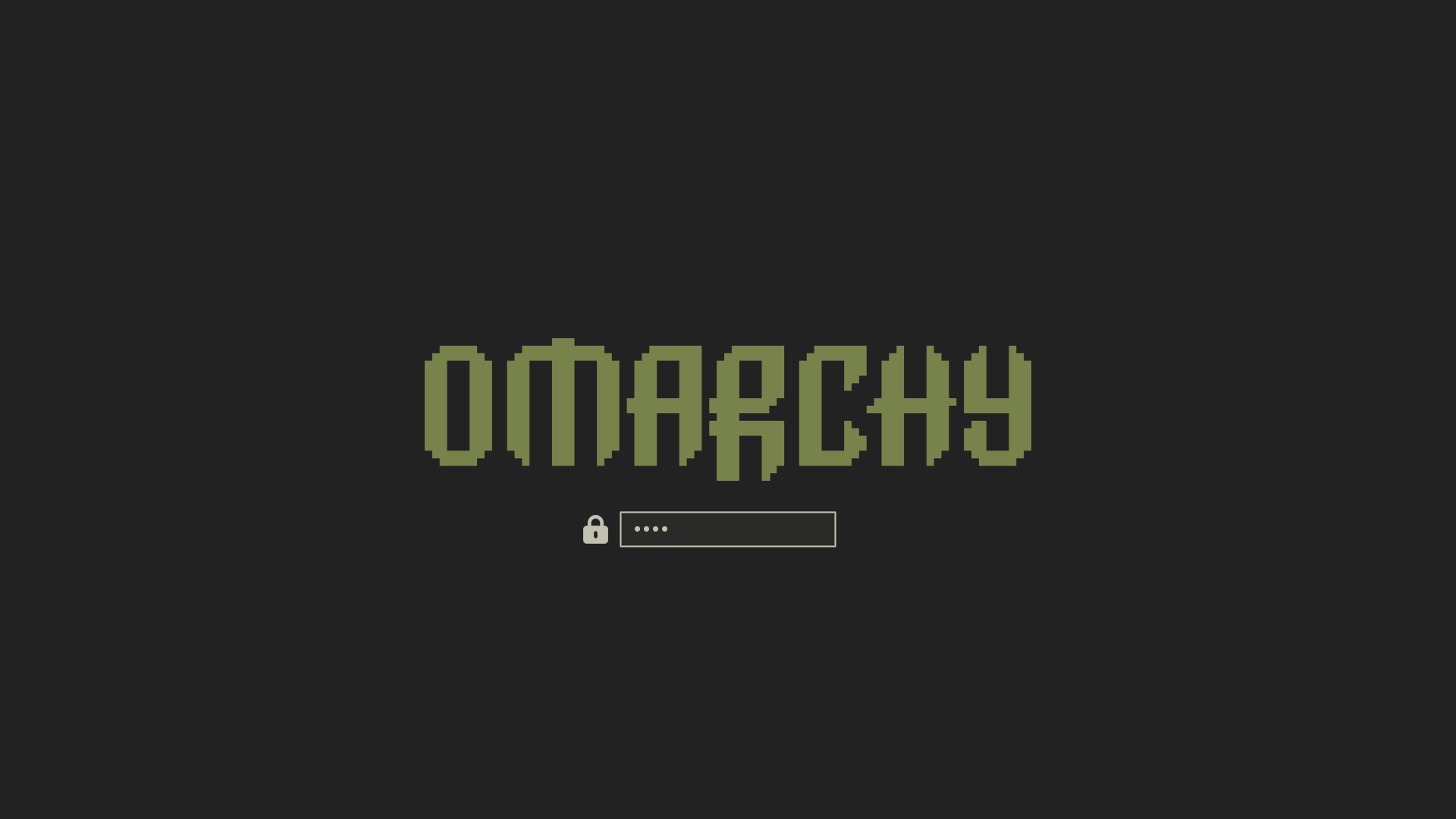
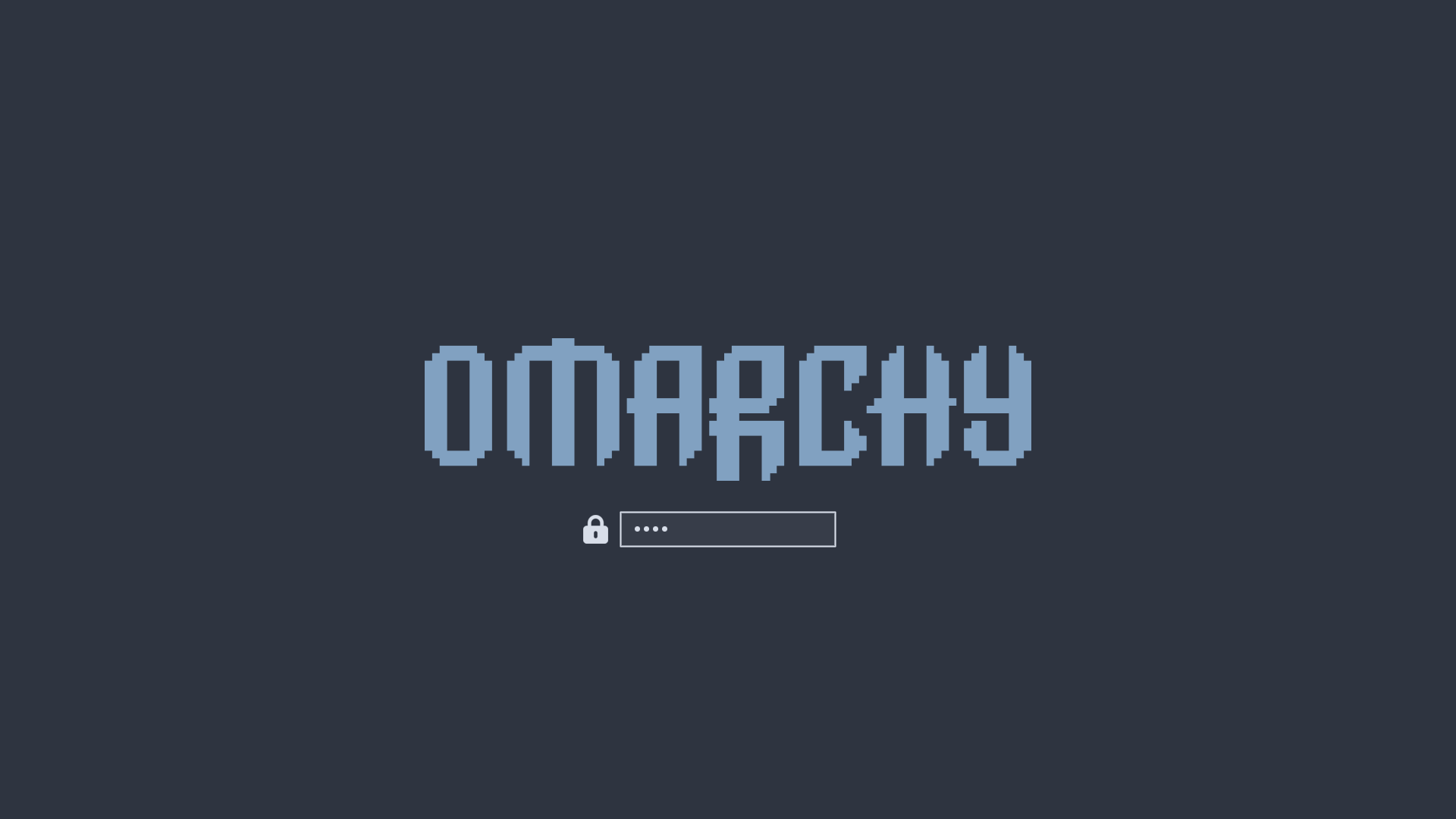
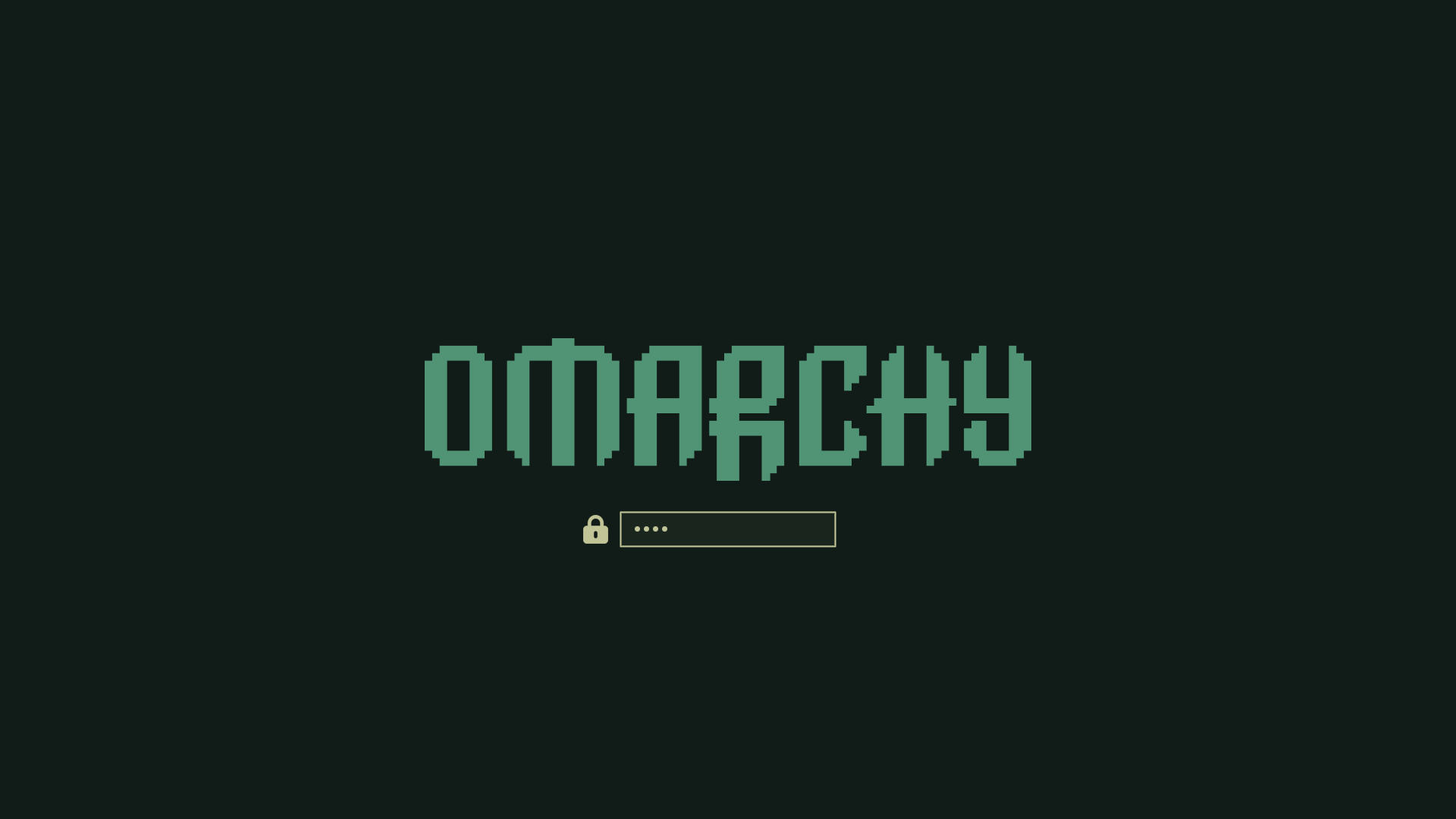
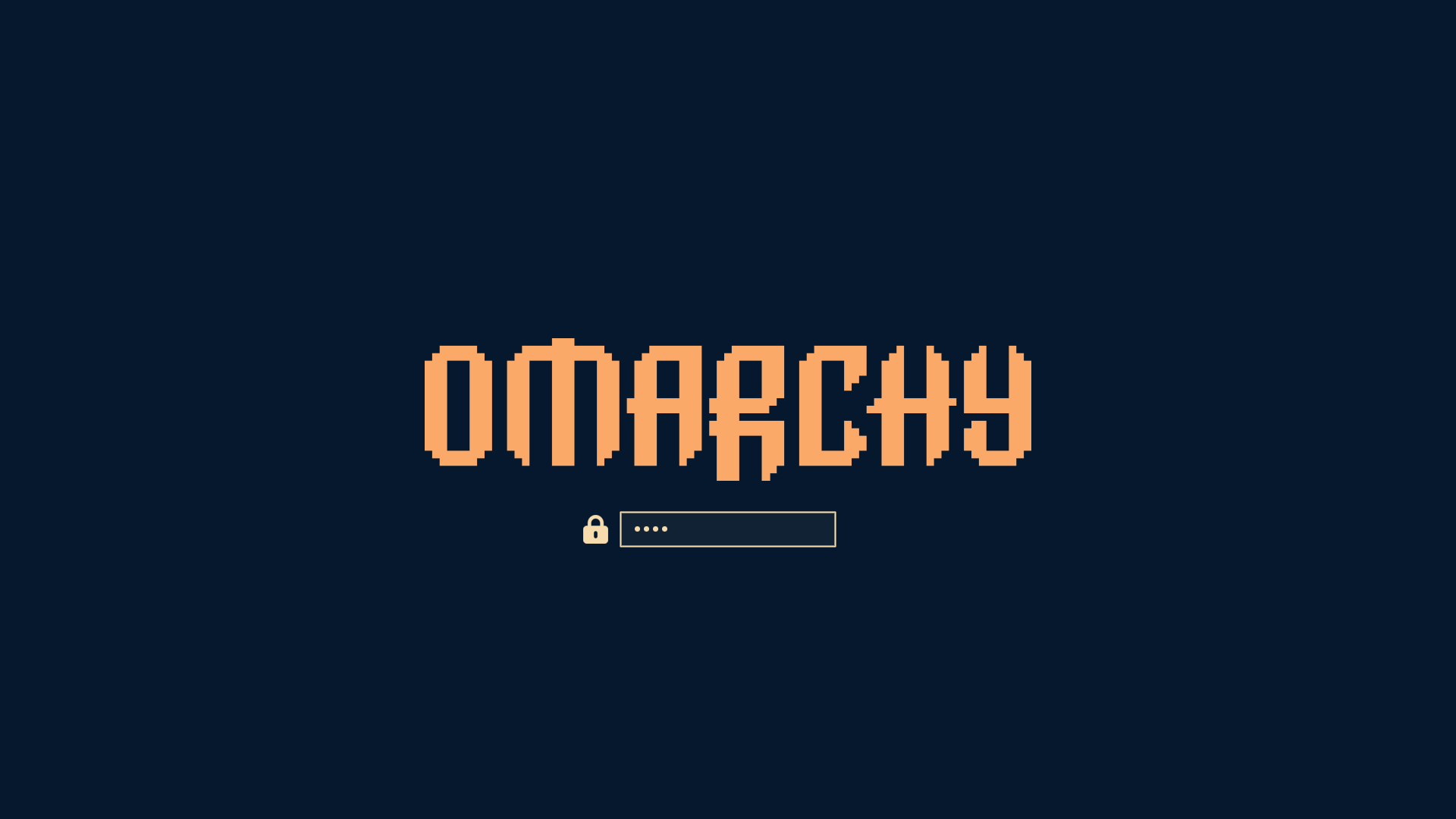
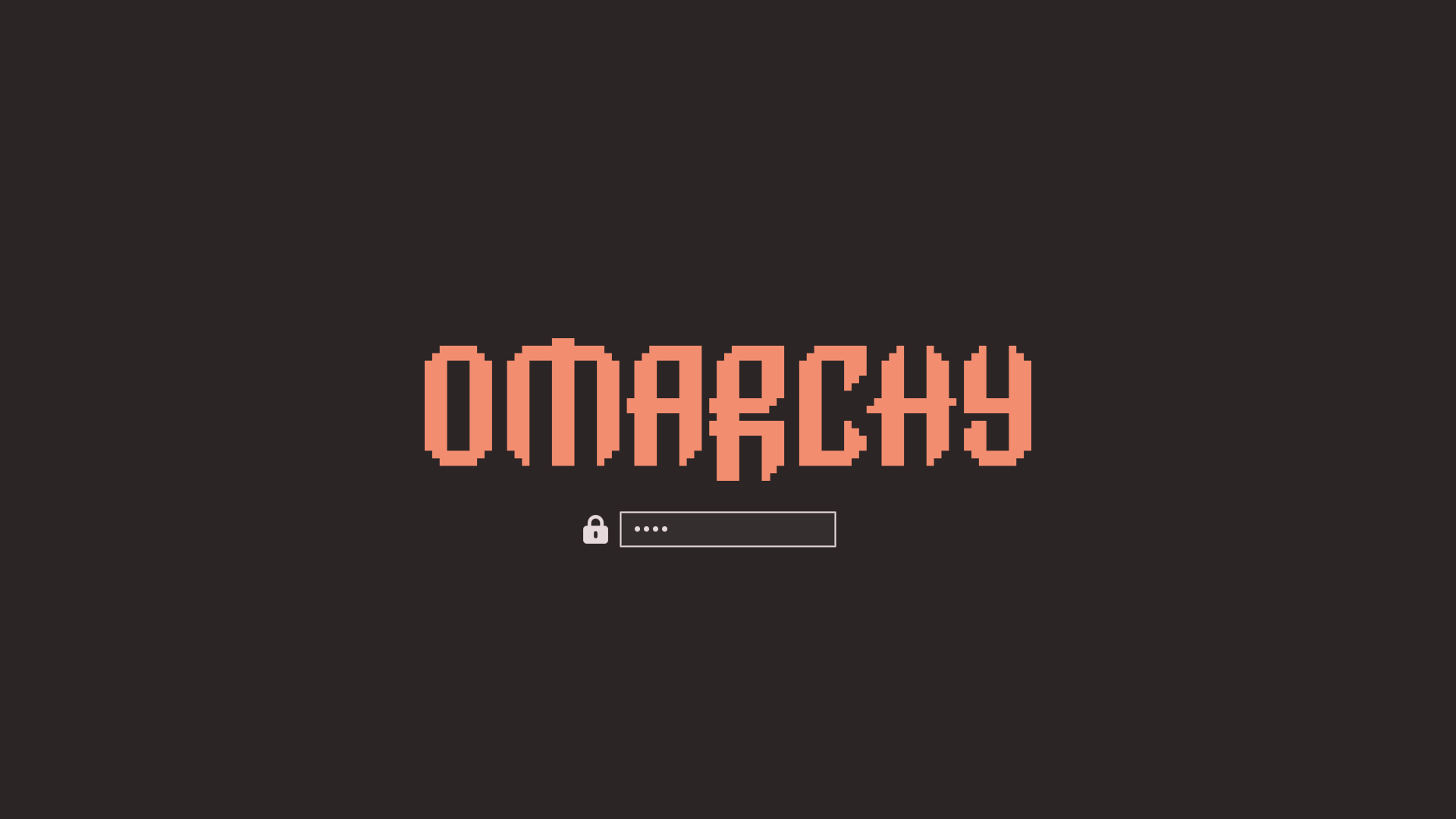
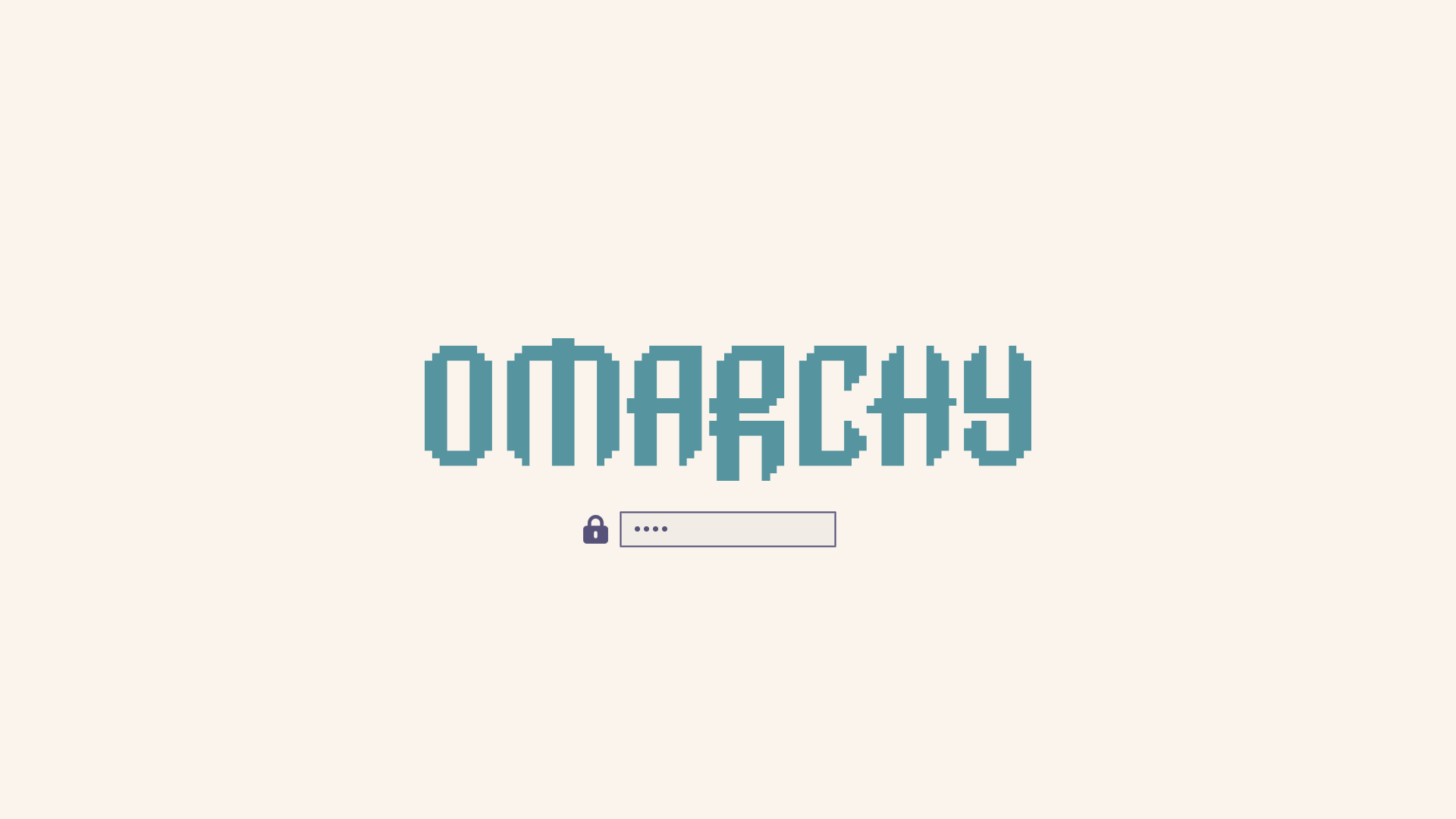
Themes can also have a custom unlock design, which is used for the boot decryption process. You can select one of these under . They look like this: